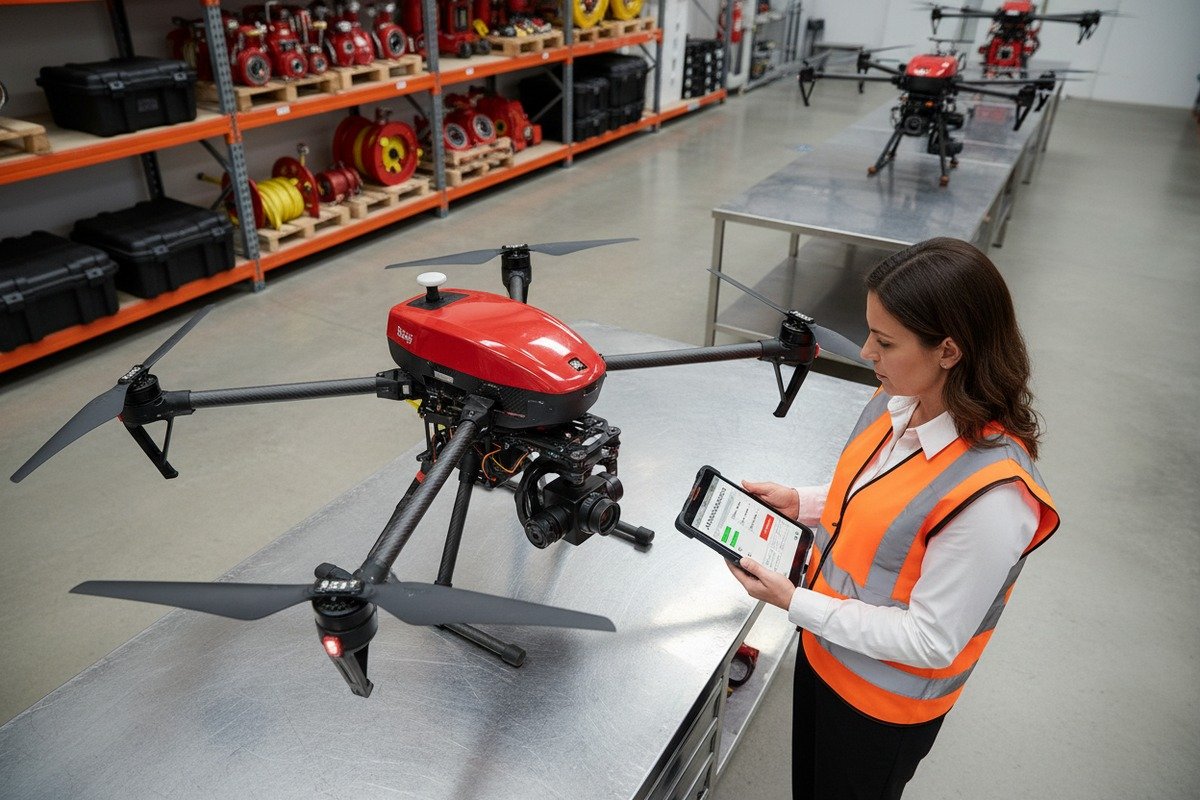
When our production line ships hundreds of blusdrones 1 monthly, we understand that even the most rigorous quality control 2 cannot catch every issue. Discovering a defect during inspection creates stress and uncertainty for fire departments counting on reliable equipment.
If you find a defect during your firefighting drone inspection, immediately ground the unit, document all issues with photos and videos, contact your supplier’s technical support team, and request either repair services or replacement parts under warranty. Acting quickly minimizes project delays and ensures your fire department clients receive functional equipment on schedule.
This guide walks you through every step of handling defective firefighting drones exported flight logs 3. We cover immediate actions, technical support 4 processes, warranty documentation, and strategies for securing replacement parts fast.
What immediate steps should I take if I find a defect during my firefighting drone inspection?
Our engineers have inspected thousands of returned units over the years. The pattern is clear: quick, systematic action prevents small defects from becoming major operational failures. Panic leads to mistakes, but a calm, step-by-step approach protects your investment.
When you discover a defect, stop all flight operations immediately, secure the drone in a safe location, photograph and video-record every issue, note the exact symptoms in writing, and contact your supplier within 24 hours. This process protects warranty coverage and creates a clear record for technical diagnosis.
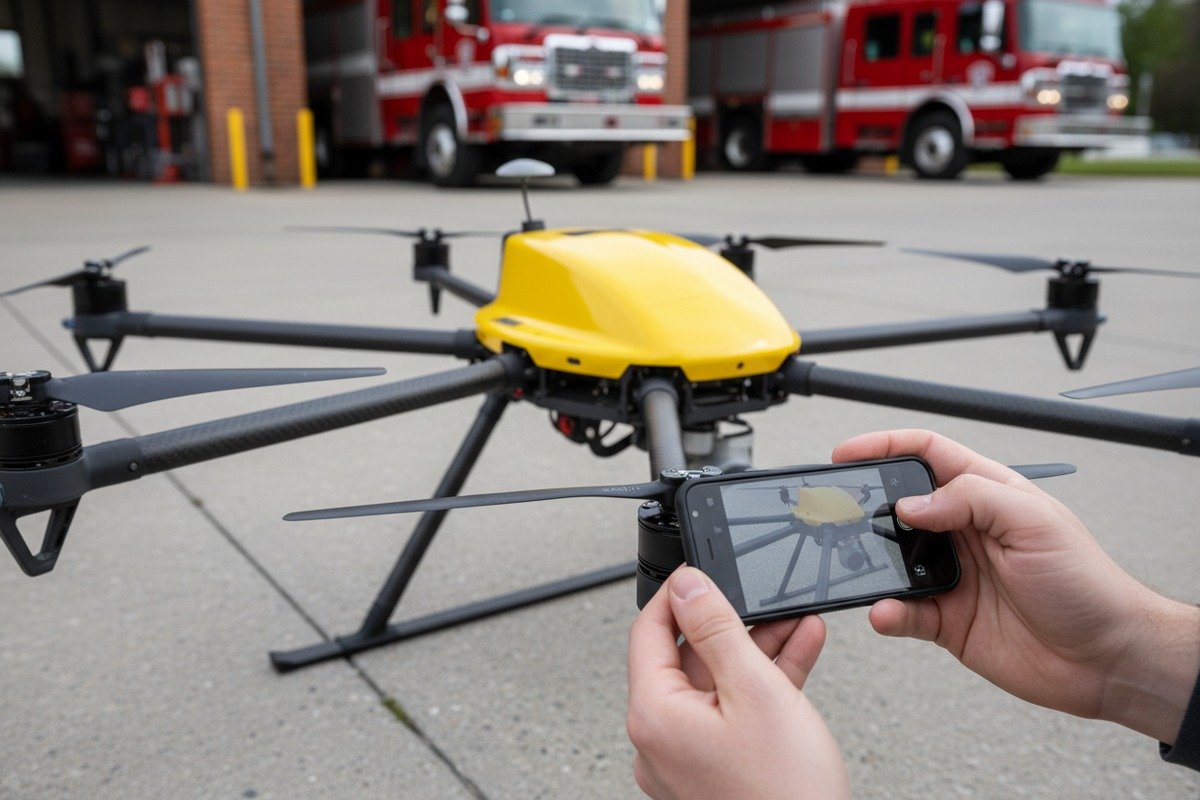
Ground the Drone Immediately
Safety comes first. A defective firefighting drone poses risks to operators, bystanders, and property. Even minor issues like gimbal instability 5 or GPS drift can cause crashes during emergency operations. Never attempt to "test" a suspicious drone in the air.
Remove the battery and store it separately. Batteries with damage or swelling present fire hazards. Place the drone in its carrying case or a secure area away from heat sources.
Document Everything in Detail
Documentation is your strongest tool for warranty claims and technical support. Our quality assurance team processes claims much faster when customers provide thorough evidence.
| Documentation Type | Wat op te nemen | Doel |
|---|---|---|
| Photos | Close-ups of damaged components, serial number labels, overall condition | Visual proof for warranty claims |
| Videos | Demonstration of malfunction (if safe), 360-degree view of drone | Shows dynamic issues like motor sounds or gimbal drift |
| Written Notes | Date, time, symptoms, flight history, environmental conditions | Creates timeline for root cause analysis |
| Vluchtlogs | Exported data from controller app, error messages | Technical data for diagnosis |
Categorize the Defect Severity
Not all defects carry equal weight. Understanding severity helps you communicate effectively with your supplier and make grounding decisions.
| Severity Level | Examples | Recommended Action |
|---|---|---|
| Kritisch | Motor failure, battery swelling, structural cracks, flight controller errors | Immediate grounding, urgent supplier contact |
| Major | Thermal camera malfunction, GPS inaccuracy over 5 meters, gimbal drift | Grounding until repair, standard support request |
| Minor | Cosmetic damage, minor calibration needs, firmware glitches | May operate with caution, schedule maintenance |
Contact Your Supplier Promptly
Time matters for warranty coverage 6. Most industrial drone warranties require defect reporting within specific windows. At our facility, we recommend customers contact us within 24-48 hours of discovering issues.
Prepare your documentation before calling. Have serial numbers, purchase dates, and defect descriptions ready. This speeds up the support process significantly.
How can I get technical support from my supplier if my drone fails its initial flight test?
In our experience exporting to fire departments across the United States and Europe, we have learned that communication barriers cause more frustration than actual defects. Knowing how to access technical support efficiently saves weeks of back-and-forth.
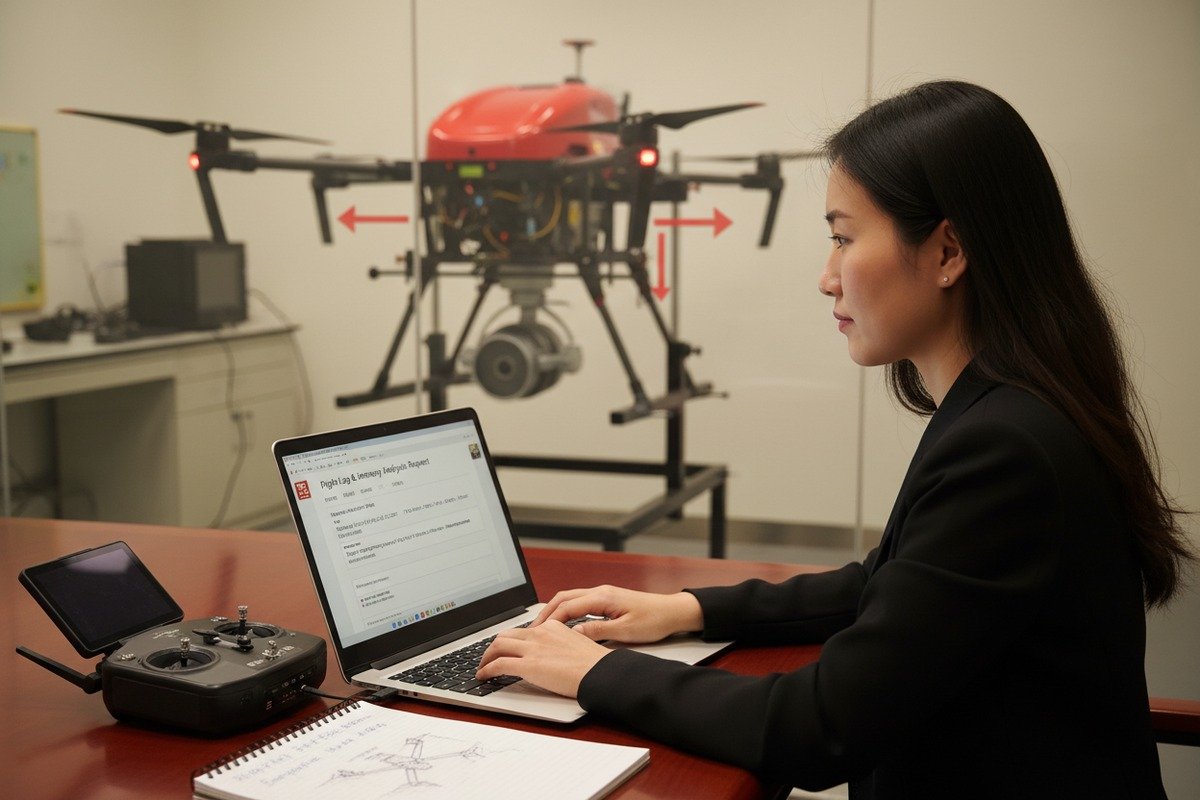
To get technical support for a failed flight test, contact your supplier through their designated support channel (email, phone, or portal), provide your order number and serial number, share all documentation including flight logs and videos, and request a specific resolution path such as remote diagnosis, repair instructions, or replacement.
Understand Your Support Options
Different suppliers offer different support levels. Before purchasing, evaluate what support you will receive. Our company provides multiple tiers of assistance to match customer needs.
| Type ondersteuning | Beschrijving | Beste voor |
|---|---|---|
| Remote Diagnosis | Video calls with engineers, log analysis, step-by-step troubleshooting | Software issues, calibration problems, user errors |
| Written Guides | Detailed repair manuals, video tutorials, FAQ databases | Simple fixes, common issues |
| Parts Shipment | Replacement components sent directly to customer | Modular failures, experienced operators |
| Return for Repair | Unit shipped back to manufacturer for professional service | Complex issues, under-warranty repairs |
| On-Site Support | Engineer visits customer location | Large fleet customers, critical deployments |
Prepare for the Support Call
Efficient support calls require preparation. Gather these items before contacting your supplier:
- Purchase order number and invoice
- Drone serial number (usually on the underside of the central hub)
- Detailed description of the failure
- Flight logs exported from your controller application
- Photos and videos of the defect
- List of environmental conditions during the failed test
Ask the Right Questions
Direct questions get direct answers. Ask your support team:
- What is the likely cause of this failure?
- Can this be fixed remotely, or does it require physical repair?
- Is this defect covered under warranty?
- What is the estimated timeline for resolution?
- Will you provide a replacement unit during repair?
- What documentation do you need from me?
Escalation Paths
If initial support does not resolve your issue, know how to escalate. Request to speak with a senior technician or engineering supervisor. Ask for written confirmation of all promises and timelines.
At our company, unresolved issues can be escalated to our quality assurance director. We assign case numbers to track every support request through resolution.
What documentation do I need to provide to ensure my warranty covers the defective components?
When we calibrate our flight controllers and test thermal imaging systems 7 before shipment, we keep records of every parameter. We expect the same level of documentation from customers filing warranty claims. Incomplete paperwork is the number one reason claims get delayed or denied.
To ensure warranty coverage, provide your original purchase invoice, drone serial number, detailed defect description with photos and videos, exported flight logs, maintenance records showing proper care, and a completed warranty claim form. Keep copies of all submitted documents for your records.
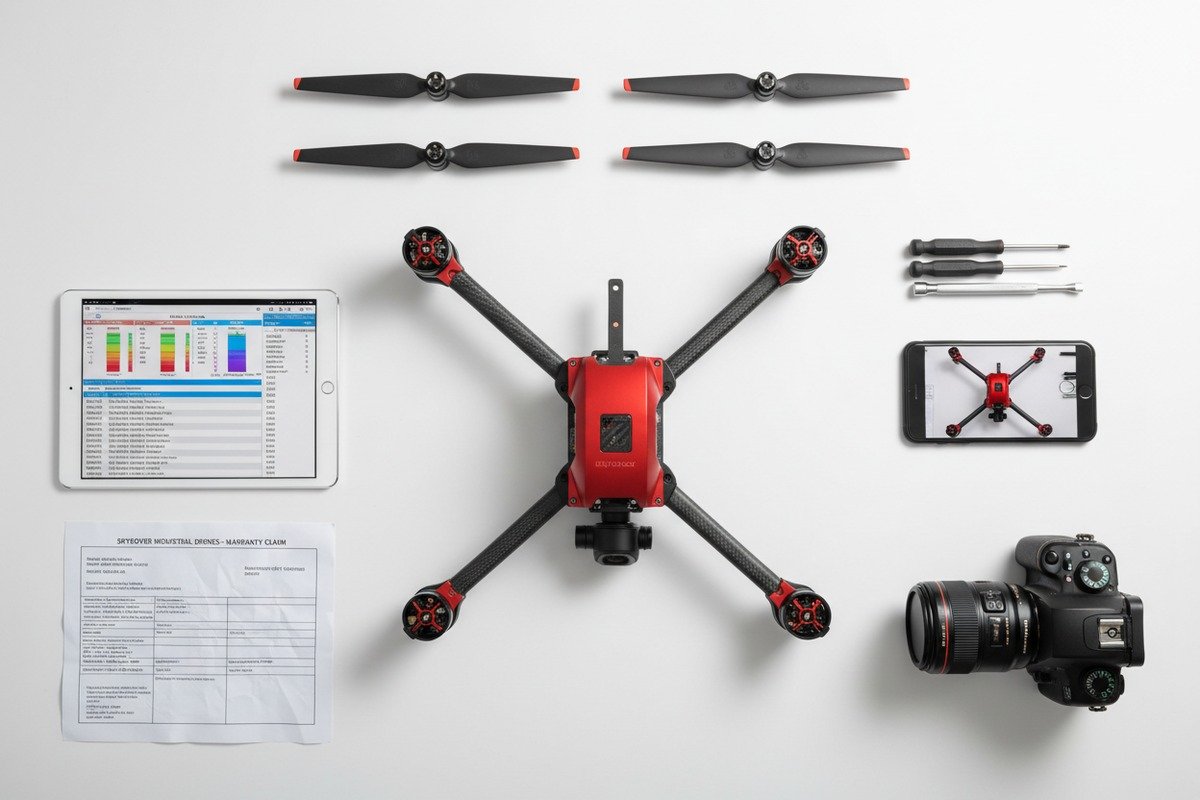
Essential Documents Checklist
Missing even one document can stall your claim. Collect these items immediately after discovering a defect.
Proof of Purchase
Your invoice or receipt proves you bought the drone from an authorized source. Include:
- Seller name and contact information
- Purchase date
- Drone model and serial number
- Price paid
- Any accessories included
Defect Evidence Package
Visual evidence makes your case stronger. Create a comprehensive package:
- Minimum 10 photos showing the defect from multiple angles
- Video demonstrating the malfunction (30-60 seconds minimum)
- Screenshots of error messages from controller app
- Written description of symptoms (when it started, how it progressed)
Flight and Maintenance History
This proves you operated the drone correctly. Suppliers will check for misuse.
| Record Type | What to Document | Waarom het belangrijk is |
|---|---|---|
| Flight Hours | Total time, number of flights | Shows wear level and usage patterns |
| Maintenance Log | Dates of cleaning, calibration, part replacements | Proves proper care |
| Storage Conditions | Temperature, humidity, battery storage procedures | Rules out environmental damage |
| Operator Certifications | FAA Part 107 certificates, training records | Shows qualified operation |
Common Warranty Exclusions
Understanding what voids warranty helps you avoid problems. Most warranties do not cover:
- Damage from crashes or collisions
- Water damage (unless rated for water operations)
- Unauthorized modifications or repairs
- Damage from using non-approved batteries or accessories
- Normal wear on consumables (propellers, batteries)
- Cosmetic damage that does not affect function
How to Submit Your Claim
Follow your supplier's exact process. At our company, customers submit claims through our online portal. We acknowledge receipt within 24 hours and provide initial assessment within 72 hours.
Keep copies of everything you submit. Send documents via tracked email or upload to a portal that provides confirmation. Never rely on verbal agreements alone.
How can I secure replacement parts quickly to avoid project delays for my fire department clients?
Our warehouse in Xi'an stocks over 500 different replacement components. We understand that fire departments cannot wait weeks for parts. When lives depend on equipment readiness, every day of delay matters.
To secure replacement parts quickly, contact your supplier immediately with exact part numbers and quantities needed, request expedited shipping options, ask about local distributors or emergency stock programs, and consider keeping critical spare parts in your own inventory for future needs.
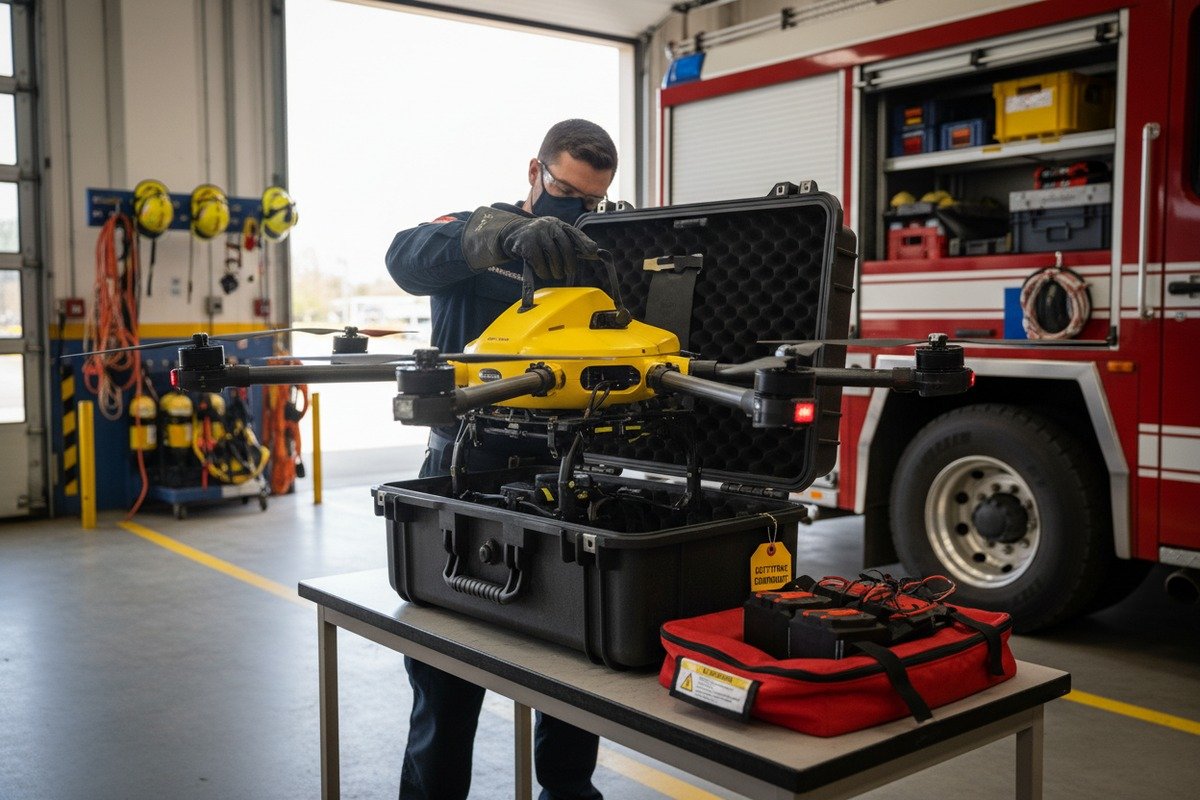
Identify Parts Accurately
Wrong part orders waste time. Use these methods to identify exactly what you need:
- Check the drone's parts diagram in the user manual
- Reference the serial number and model number
- Take photos of the defective component
- Note any part numbers printed on the component itself
Fast-Track Options
Standard shipping may take 2-3 weeks for international orders. Explore faster alternatives:
| Verzendmethode | Typische tijdlijn | Kostenniveau | Beste voor |
|---|---|---|---|
| Standaard zeevracht | 3-4 weeks | Laag | Non-urgent bulk orders |
| Standard Air Freight | 1-2 weken | Medium | Regular replacement needs |
| Express Air (DHL/FedEx) | 3-5 dagen | Hoog | Urgent single parts |
| Local Distributor Stock | 1-2 days | Middelhoog | Emergency situations |
| Cross-Docking | 5-7 dagen | Medium | Planned maintenance |
Build a Spare Parts Inventory
Experienced operators maintain critical spares on-site. We recommend stocking:
- 2-4 propeller sets per drone
- 1-2 spare batteries
- 1 spare motor assembly
- Replacement landing gear
- Spare gimbal dampers
- Extra camera cables
Negotiate Emergency Support Terms
Before you face an emergency, establish agreements with your supplier. Our company offers priority support contracts that include:
- Guaranteed 48-hour parts shipment for critical components
- Dedicated support line with 4-hour response time
- Pre-positioned inventory at US distribution centers
- Loaner equipment during extended repairs
Alternative Sourcing Strategies
When your primary supplier cannot deliver fast enough, consider:
- Authorized regional distributors with local stock
- Compatible third-party parts (verify warranty implications)
- Borrowing from other operators in your network
- Rental units to bridge the gap
Communicate openly with your fire department clients about timelines. They appreciate honesty about delays more than broken promises.
Conclusie
Handling defective firefighting drones requires immediate action, thorough documentation, clear communication with your supplier, and proactive spare parts management. Follow these steps consistently, and you will minimize delays while keeping your fire department clients operational and safe.
Voetnoten
1. Overview of firefighting drones and their advanced technology applications. ↩︎
2. Wikipedia provides a comprehensive and authoritative definition of quality control. ↩︎
3. Guide from a leading manufacturer on exporting drone flight logs. ↩︎
4. Offers best practices for providing effective technical support. ↩︎
5. The article directly addresses common drone gimbal problems, including instability, and provides solutions. ↩︎
6. Provides a legal definition of warranty coverage in contracts. ↩︎
7. HowStuffWorks provides a clear explanation of how thermal imaging works and its components. ↩︎
8. Comprehensive guide to managing and optimizing spare parts inventory. ↩︎

 English
  Spanish
  German
  French
  Dutch
Dutch  Arabic
