
When our engineering team ships agricultural drones 1 to buyers across three continents, we face one constant challenge: communication gaps kill deals. Delayed responses mean lost harvests. Misunderstood specs lead to returned shipments. These problems cost everyone time and money.
WeChat and WhatsApp are the two most powerful tools for efficient agricultural drone sourcing. Use WeChat for China-based suppliers with its integrated payments and Mini Programs. Use WhatsApp for global suppliers with its end-to-end encryption and 60+ language support. Both enable instant file sharing, video calls, and real-time factory verification.
This guide walks you through exactly how to leverage these apps for every stage of your drone sourcing journey end-to-end encryption 2. From factory verification to delivery tracking, you will learn practical methods our team uses daily with international buyers.
How can I use WeChat to verify a drone manufacturer's factory and certifications in real-time?
Trust is everything in international procurement. Our export team has seen buyers lose thousands of dollars to fake factories with polished websites but empty warehouses certificates of origin 3. Real-time verification through WeChat solves this problem before money changes hands.
To verify a drone manufacturer via WeChat, request a live video tour of their production line, ask them to scan QR codes on certification documents, and check their Official Account history. Legitimate factories will show welding stations, quality control areas, and inventory in real-time without hesitation or excuses.
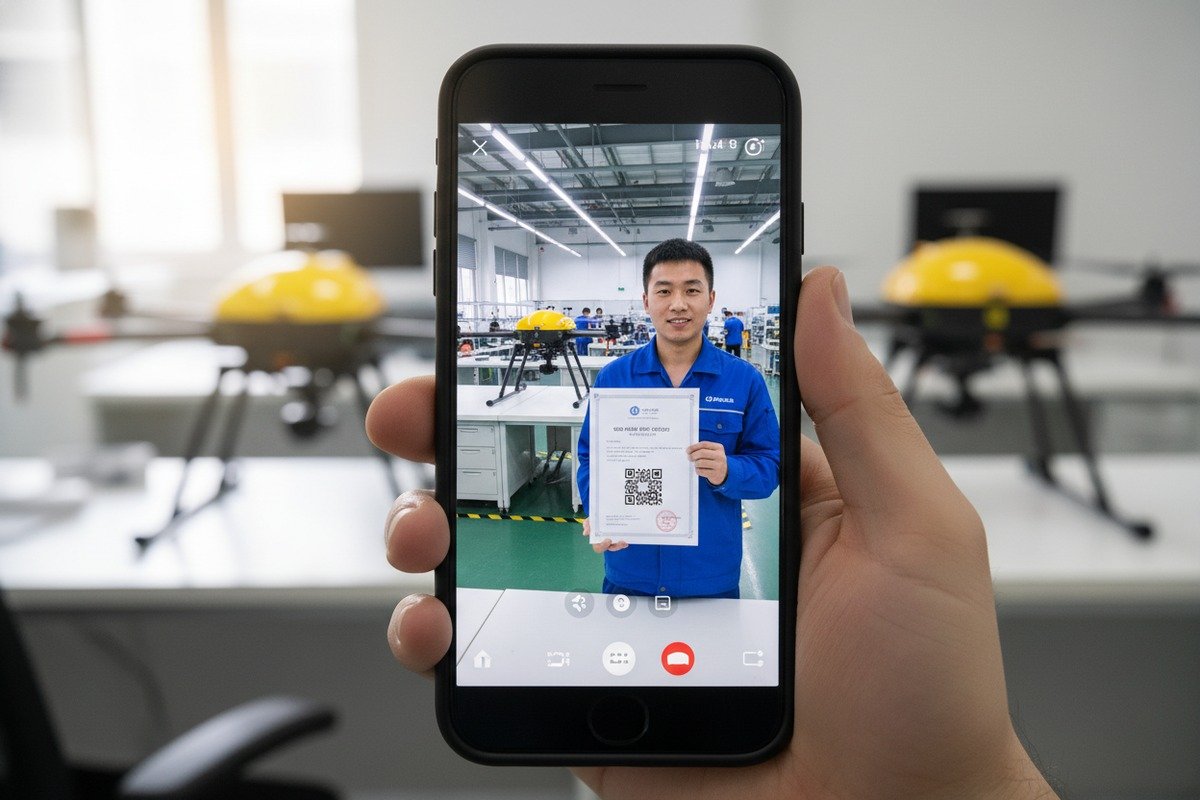
Why Video Calls Beat Photos Every Time
Photos can be staged. Videos are harder to fake. When our sales team connects with new buyers, we offer live factory walks through WeChat video calls. You should demand the same from any supplier.
During a video call, ask the supplier to show specific areas. Request to see the assembly line where workers attach propeller motors. Ask them to walk to their quality control station. Have them show the carbon fiber frame cutting machine. Real factories have these stations. Fake trading companies do not.
The QR Code Verification Method
Chinese certifications often include QR codes 4 that link to government databases. During your WeChat call, ask the supplier to scan these codes while sharing their screen. Valid certifications will show matching company names and dates.
| Document Type | What to Check | Red Flags |
|---|---|---|
| Business License | QR code links to official registry | Blurry images, refuses to scan |
| ISO Certification 5 | Expiry date and scope matches products | Generic scope, expired dates |
| Export License | Product categories include drones | Missing drone categories |
| CE/FCC Marks | Test report numbers match certificates | No test reports available |
Checking Official Account History
Legitimate manufacturers maintain active WeChat Official Accounts. Check their posting history. Do they share factory updates regularly? Do they post technical content about drone development? A company with years of consistent posts is more trustworthy than one with a brand-new account.
Our Official Account shows our production process, team activities, and technical innovations dating back several years. This history cannot be fabricated overnight.
Group Chat Due Diligence
Create a WeChat group with the supplier's sales team, engineers, and quality control staff. Ask technical questions and see who responds. Real manufacturers have technical staff ready to answer. Trading companies only have salespeople who delay technical answers.
What is the best way to get instant technical support for my agricultural drones via WhatsApp?
Nothing frustrates buyers more than drone problems during peak spraying season. When our drones operate in American cornfields or European vineyards, time zones make phone calls difficult. WhatsApp bridges this gap with asynchronous yet instant communication.
For instant technical support via WhatsApp, create a dedicated support group with your supplier's engineers, share error codes and flight logs as files, use voice messages for complex explanations, and request video call troubleshooting for hardware issues. Response times under two hours are achievable with proper setup.
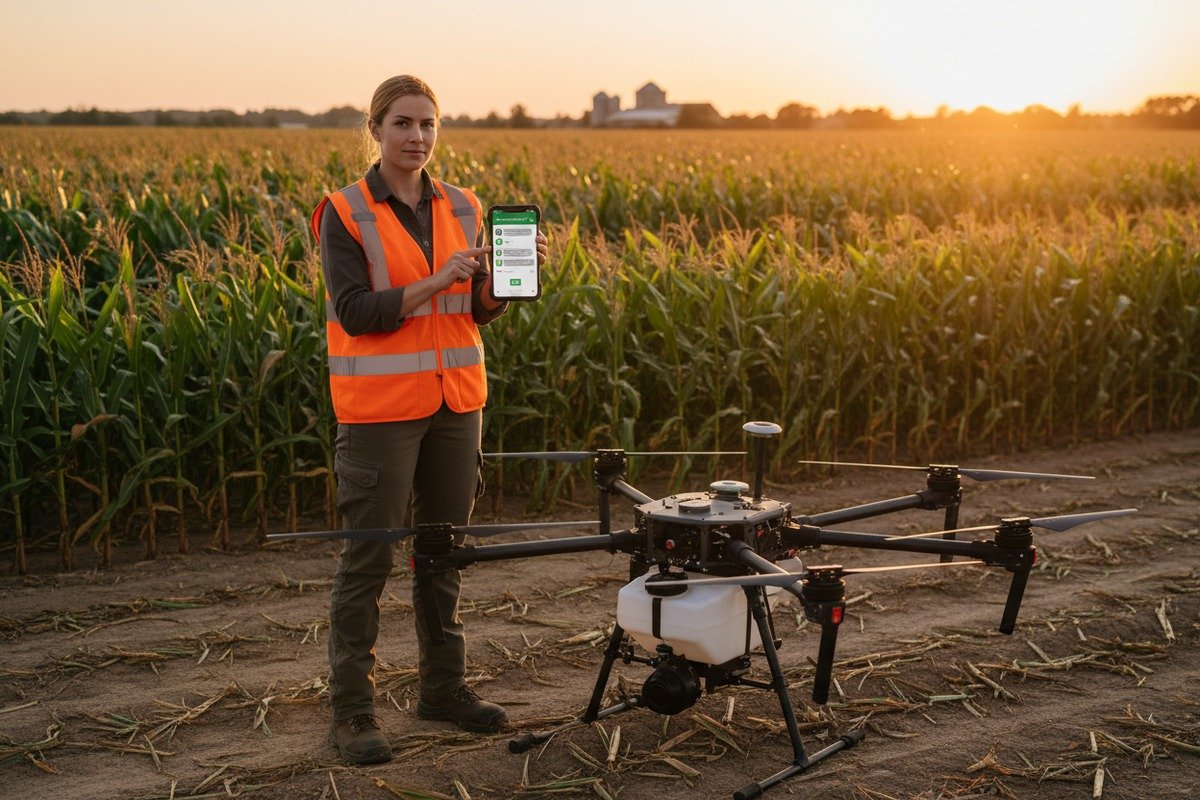
Setting Up Your Technical Support Channel
Before your first drone arrives, establish a WhatsApp support structure with your supplier. Our team creates dedicated groups for each major client. This group includes our flight controller engineer, software developer, and after-sales manager.
Share your time zone and preferred contact hours. We note these details and assign team members to cover different shifts. This ensures someone is always available within reasonable hours.
What Files to Share for Faster Resolution
WhatsApp supports files up to 100MB. This is enough for most diagnostic data. When problems occur, send the right information immediately.
| Issue Type | Files to Share | Information Needed |
|---|---|---|
| Flight instability | Flight log file 6, GPS data | Weather conditions, payload weight |
| Motor failure | Video of startup, error screenshot | Hours of operation, last maintenance |
| Spray system | Photos of nozzles, pump settings | Chemical type, tank capacity used |
| Software errors | Error code screenshot, app version | Firmware version, last update date |
| Battery problems | Charging log, voltage readings | Charge cycles, storage conditions |
Voice Messages for Complex Problems
Typing long technical explanations wastes time. Voice messages on WhatsApp convey tone and urgency. When our engineers explain calibration procedures, a two-minute voice message works better than twenty text messages.
Describe what you see, what you hear, and what you already tried. Our engineers can often diagnose problems from detailed verbal descriptions alone.
Video Call Troubleshooting Sessions
Some problems require seeing the hardware. WhatsApp video calls let our engineers watch you perform diagnostic steps. They can spot loose connections, incorrect assembly, or worn components that photos might miss.
Schedule these calls in advance. Prepare the drone, tools, and a stable internet connection. A thirty-minute focused video call solves problems that might take days through text alone.
Creating a Knowledge Base from Chat History
Save important troubleshooting conversations. WhatsApp chat export creates a searchable record. Over time, this becomes your personal technical manual for that specific drone model.
How do I manage my custom OEM drone design and development through instant messaging?
Custom OEM projects require hundreds of decisions over months of development. Our engineering team has managed complete drone customization projects through WeChat and WhatsApp, from initial sketches to final production. The key is structured communication.
Manage OEM drone development through instant messaging by creating separate group chats for design, engineering, and production phases. Share CAD files and renderings via cloud links, use voice messages for design feedback, and schedule weekly video reviews. Document all approved changes in pinned messages to prevent miscommunication.

Phase-Based Communication Structure
Different project phases need different team members. Create separate groups for each phase rather than one chaotic chat.
| Project Phase | Group Members | Main Topics |
|---|---|---|
| Design | Designer, project manager, client | Aesthetics, branding, color schemes |
| Engineering | Engineers, QC manager, client | Specs, materials, performance targets |
| Prototyping | Production lead, QC, client | Sample review, testing results |
| Production | Production lead, logistics, client | Timelines, quantity, packaging |
When design phase completes, archive that group but keep it accessible. Questions about original design intent may arise during production.
Sharing Design Files Effectively
CAD files 7 and high-resolution renderings exceed WhatsApp's file limits. Use cloud storage links instead. Our team shares files through platforms that both sides can access. The link goes in the chat, keeping all communication in one place.
For quick feedback on visual designs, compressed images work fine in the chat directly. Save the full-resolution files for formal approvals.
The Voice Message Advantage in Design
Written feedback on visual designs often causes confusion. When our clients describe what they want changed, voice messages capture nuance that text misses. "Make it more aggressive looking" means different things to different people. A voice explanation with specific references works better.
Our designers send voice messages walking through their design choices. This context helps clients understand why certain decisions were made and enables more productive feedback.
Weekly Video Design Reviews
Schedule regular video calls to review progress. Screen sharing allows designers to walk through changes in real-time. Clients can point to specific areas and ask for modifications immediately.
Record these sessions if both parties agree. The recording serves as documentation of approved directions.
Preventing Scope Creep Through Documentation
Every approved change should be documented in the chat. Use the pin message feature for critical decisions. When someone asks why a feature was removed, the pinned approval message provides clear evidence.
Our project managers create summary messages after each major decision. These summaries list what was agreed, what changed, and what comes next. This practice has saved countless hours of confusion on complex OEM projects.
Can I use these apps to track my door-to-door delivery status and import documentation?
Shipping industrial drones internationally involves complex logistics and strict documentation. Our logistics team handles door-to-door deliveries across continents. WeChat and WhatsApp have become essential tools for keeping buyers informed and managing customs paperwork.
Yes, both apps effectively track delivery status and manage import documentation. Suppliers can share real-time shipping updates, tracking numbers, and photos of cargo at each transit point. For documentation, use chat to share commercial invoices, packing lists, certificates of origin, and customs forms as PDF files for immediate review and approval.

Real-Time Shipping Updates
When our drones leave the factory, we begin sending updates through the buyer's preferred app. This includes photos of packed cargo, warehouse departure confirmation, and tracking numbers for each shipment leg.
| Shipping Stage | Updates We Provide | Files Shared |
|---|---|---|
| Factory departure | Packing photos, weight confirmation | Packing list PDF |
| Warehouse arrival | Storage confirmation, inspection photos | Quality check report |
| Customs clearance | Submission confirmation, timeline estimate | Export declaration |
| Port departure | Vessel name, estimated arrival | Bill of lading |
| Destination arrival | Customs status, delivery schedule | Arrival notice |
| Final delivery | Delivery confirmation, signature | Proof of delivery |
Documentation Management Through Chat
Import documentation requires accuracy. Errors cause delays. Sharing documents through chat allows immediate review and correction before official submission.
Our team sends draft commercial invoices for buyer approval. If product descriptions need adjustment for customs classification, buyers can request changes instantly. This back-and-forth takes minutes through chat versus days through email.
Critical Documents for Drone Imports
Agricultural drones require specific documentation depending on destination country. We prepare these documents and share them for review.
For US imports, buyers typically need commercial invoices with detailed product descriptions, certificates of conformity, FCC compliance documentation for radio equipment, and proper HS code classification. Our team explains each document's purpose if buyers have questions.
For European imports, additional CE marking documentation and declaration of conformity become essential. We share templates and completed documents through WhatsApp, allowing buyers to verify accuracy before shipment.
Using WeChat Pay for Smooth Transactions
For payments to Chinese suppliers, WeChat Pay 8 offers convenience and security. Over one billion daily transactions flow through this system. When final payments are due upon delivery confirmation, WeChat Pay enables instant settlement without international wire transfer delays.
Our team sends payment requests through WeChat. Buyers confirm receipt of goods, then release payment immediately. This builds trust and speeds up future transactions.
Creating a Documentation Archive
Every shipment generates paperwork that may be needed later. For warranty claims, customs audits, or insurance purposes, having organized records matters.
Create a dedicated chat group or conversation for each major shipment. All documents, tracking updates, and communications stay together. Export this chat as a complete record when the shipment completes.
Conclusion
WeChat and WhatsApp transform agricultural drone sourcing from frustrating to efficient. Choose WeChat for Chinese suppliers, WhatsApp for global partners, and use both strategically for complete supply chain coverage. Start with factory verification, build strong technical support channels, and maintain clear documentation throughout delivery.
Footnotes
1. Provides a general overview and definition of agricultural drones. ↩︎
2. Explains the concept and importance of end-to-end encryption. ↩︎
3. Authoritative information on the purpose and use of certificates of origin. ↩︎
4. Provides an authoritative introduction to how QR codes work. ↩︎
5. Official global database for verifying accredited ISO certificates. ↩︎
6. Explains the contents and importance of UAV flight log files. ↩︎
7. Comprehensive guide explaining CAD file formats and their uses. ↩︎
8. Provides a general overview and details of the WeChat Pay service. ↩︎

 English
  Español de México
  Deutsch
  Français
  Русский
  العربية
