
Last month, our engineering team watched a pilot struggle to upload 40 gigabytes of crop imagery while driving between fields TLS 1.2 or 1.3 1. The connection dropped three times. Each failure meant lost data and wasted hours. This problem haunts every agricultural drone operator 2 working in remote areas.
Integrators test security for agricultural drone cloud uploads through penetration testing, encryption verification, and access control audits across drones, docks, and controllers. Speed testing involves throughput benchmarks over hybrid networks like Starlink and 5G, pause-resume reliability checks, and direct-to-cloud transfer efficiency measurements under real field conditions.
The stakes are high. Crop data drives million-dollar decisions. A security breach or slow upload can cost farmers an entire growing season OWASP Top 10 vulnerabilities 3. Let me walk you through exactly how professionals verify both security and speed for agricultural drone cloud systems.
How can I verify that my agricultural drone data remains encrypted during high-speed cloud uploads?
When we ship our agricultural hexacopters to distributors in the US and Europe, encryption questions top their list. They need proof that sensitive field data stays protected from the moment it leaves the drone until it lands in cloud storage. This concern is valid—unencrypted uploads are like sending postcards instead of sealed letters.
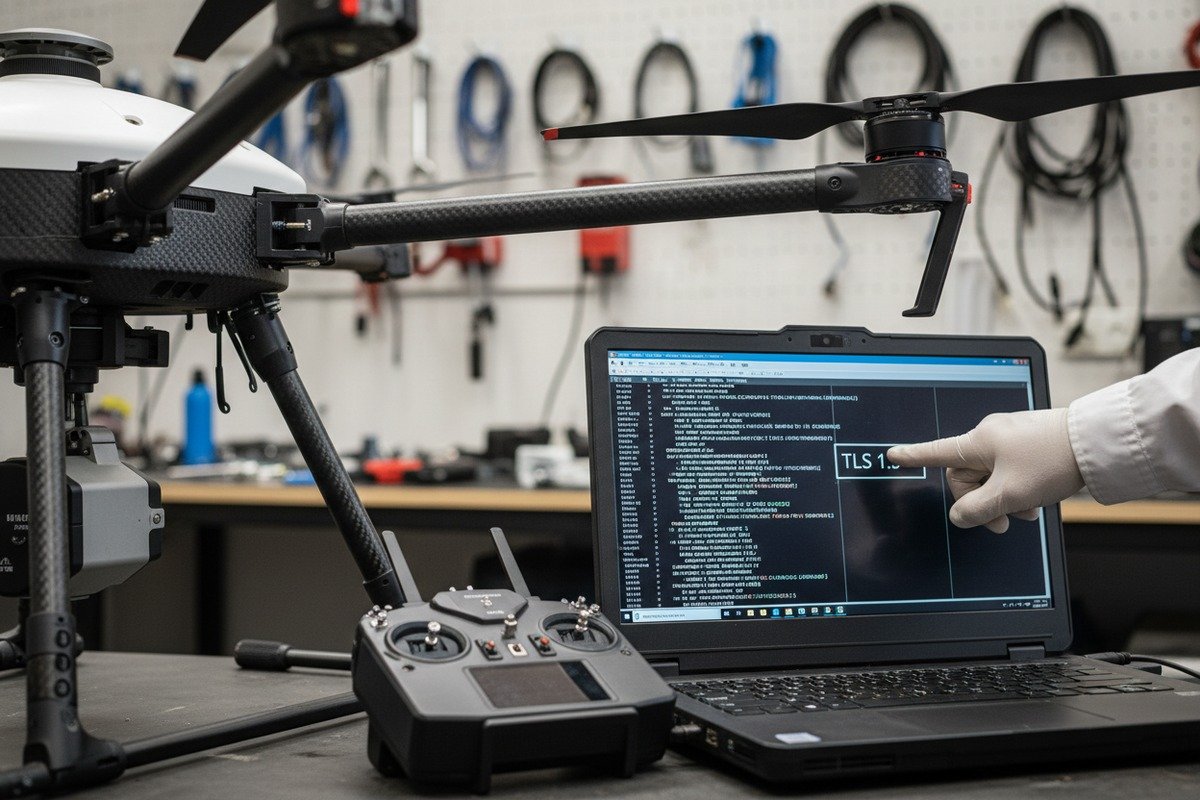
To verify encryption during cloud uploads, check that your system uses TLS 1.2 or 1.3 for data in transit and AES-256 for data at rest. Run packet capture tests with tools like Wireshark to confirm no plaintext data leaves your drone. Request third-party penetration test reports from your cloud provider that specifically cover encryption protocols.
Understanding Encryption Layers
Encryption for agricultural drone uploads works at multiple layers. First, the drone encrypts data before transmission. Second, the connection uses TLS encryption. Third, the cloud storage encrypts data at rest. Each layer must function properly for true security.
Our quality control team tests these layers separately. We use network analyzers to capture packets during upload. If we see readable data in the capture, the encryption has failed. This simple test catches many problems before they reach customers.
Practical Verification Steps
Start by checking your drone's firmware settings. Look for encryption toggle switches and protocol versions. Outdated firmware often defaults to weaker encryption or none at all. Update immediately if your system uses anything below TLS 1.2.
Next, request documentation from your cloud provider. Reputable services like AWS S3 and Azure publish their encryption standards. They also provide compliance certifications. SOC 2 compliance 4 indicates regular security audits.
| Encryption Standard | Protection Level | Use Case |
|---|---|---|
| TLS 1.2 | Strong | Data in transit |
| TLS 1.3 | Strongest | Data in transit (preferred) |
| AES-256 5 | Military-grade | Data at rest |
| FIPS-140 | Government-certified | Military/government ag applications |
Common Verification Mistakes
Many integrators make the mistake of testing only in ideal conditions. They verify encryption in the office with perfect WiFi. But field conditions differ dramatically. Variable connectivity can trigger fallback modes that use weaker encryption.
Test under realistic conditions. Drive to a remote field. Connect via cellular. Upload a test file while monitoring the connection. Some systems drop encryption when bandwidth becomes limited. This vulnerability must be caught during testing, not after deployment.
Some vendors, like Kencast, argue that their multicast distribution across multiple IPs provides inherent security without extra AES layers. They claim that intercepting data would require hacking across multiple carriers simultaneously. However, this approach underestimates cloud-scope risks. Firmware updates and docks can contain backdoors that bypass network-level protections entirely.
What methods should I use to test the upload latency of my drone fleet in rural areas with limited connectivity?
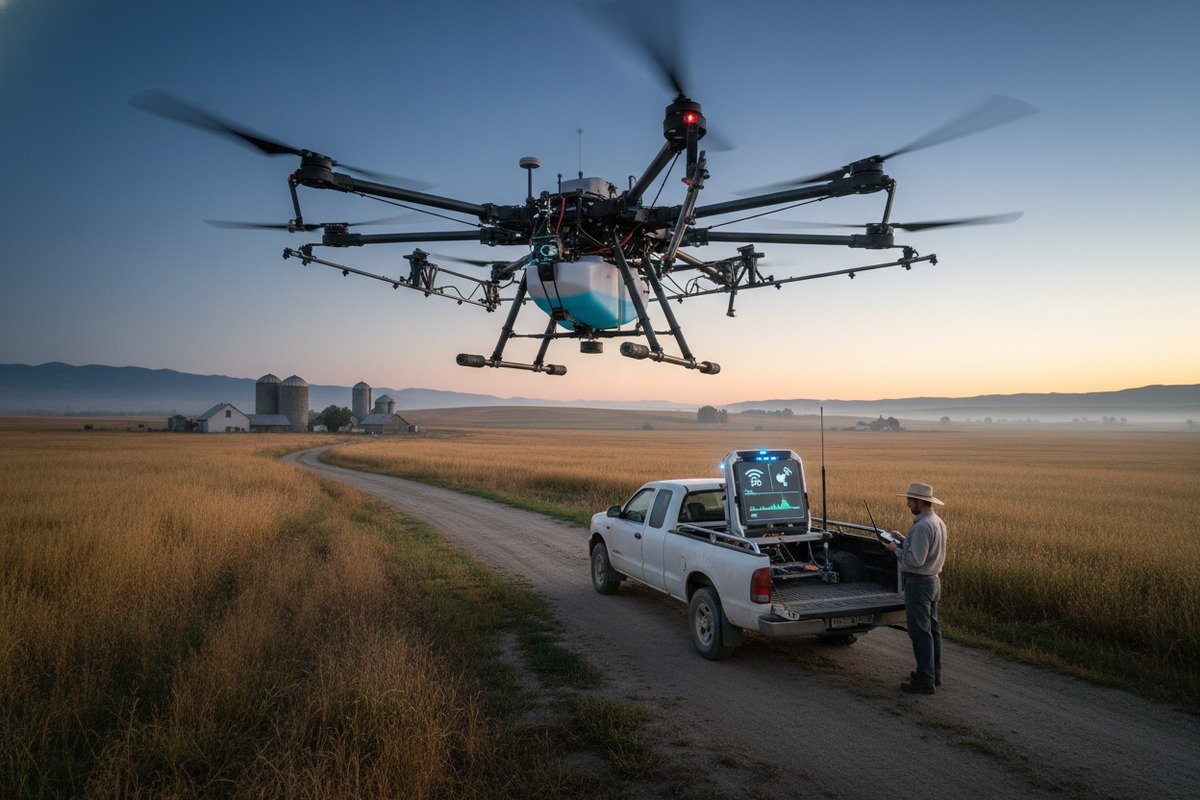
Our field testing teams spend weeks in rural areas across different continents. They report the same frustration everywhere: connectivity in agricultural zones is unpredictable. One moment you have strong signal, the next you have nothing. Testing upload latency requires methods that account for this reality.
Test upload latency by conducting real-world benchmarks at your actual operating locations, measuring throughput across different times of day, and testing pause-resume functionality during signal drops. Use bonded connectivity solutions combining cellular and satellite links. Track metrics including initial connection time, sustained transfer rate, and recovery time after interruptions.
Setting Up Proper Test Conditions
Do not test latency from your office. This gives false confidence. Instead, create a test protocol that mirrors actual operations. Load your drone with typical imagery files. Drive to the most remote field your customers might use. Then begin testing.
Record baseline measurements first. How long does the initial cloud connection take? What sustained upload speed do you achieve? How quickly does the system recover after a dropped connection? These three metrics matter most.
Hybrid Connectivity Testing
Modern agricultural drone operations increasingly use hybrid connectivity 7. This combines cellular networks with satellite links like Starlink. When cellular fails, satellite takes over. The transition should be seamless.
Test this failover mechanism specifically. Start an upload on cellular. Manually disable cellular to simulate signal loss. Measure how quickly the satellite connection activates. Check whether the upload continues or must restart. Systems like MASV achieve zero dead time with pause-resume technology that routes packets seamlessly during connectivity loss.
| Connectivity Method | Typical Rural Speed | Reliability | Cost |
|---|---|---|---|
| 4G LTE | 10-50 Mbps | Variable | Low |
| 5G | 50-300 Mbps | Limited coverage | Medium |
| Starlink | 50-200 Mbps | Weather-dependent | High |
| Bonded cellular | 20-100 Mbps | High | Medium |
| Bonded cellular + satellite | 30-150 Mbps | Very high | High |
Time-of-Day Variations
Network performance changes throughout the day. Early morning often provides the best speeds as fewer users compete for bandwidth. Midday can see slowdowns. Evening may improve again.
Test at multiple times. Create a schedule that covers morning, afternoon, and evening uploads. Record speeds for each session. This data helps customers plan their upload workflows. They can schedule large transfers during optimal windows.
Documenting Results
Create standardized test reports. Include location coordinates, time, weather conditions, and connectivity method. Record file sizes, transfer times, and any interruptions. This documentation proves valuable for troubleshooting and for demonstrating system capabilities to potential customers.
Our engineering team developed a simple spreadsheet template for this purpose. It captures all essential data points in a format that allows comparison across different test sessions and locations.
How do I ensure my custom software integration doesn't compromise the security of my cloud-based flight logs?
When clients request custom software development for their drone fleets, our development team faces a critical challenge. Every integration point creates a potential vulnerability. Custom APIs, third-party modules, and user interfaces can all introduce security holes. The solution requires systematic testing and strict protocols.
Ensure custom integration security by conducting penetration testing on all custom code, implementing multi-factor authentication for all access points, validating inputs to prevent injection attacks, and performing regular code audits against OWASP Top 10 vulnerabilities. Use encrypted API connections and limit data access through role-based permissions with the principle of least privilege.

Penetration Testing Your Integration
Professional penetration testing goes beyond automated scans. It involves ethical hackers attempting to breach your system the same way malicious actors would. For drone integrations, this includes testing the drone hardware, ground control software, mobile apps, and cloud connections.
Firms like CyberDanube specialize in drone security testing. They use techniques including memory chip extraction, firmware reverse engineering, and fuzzing attacks against cloud APIs. Digital twin tools like MEDUSA allow testing without risking production systems.
However, be aware that cloud providers often limit pentest scope. This creates blind spots. Push for inclusion of as many components as possible, even if vendors resist. Untested areas remain potential backdoors.
Access Control Architecture
Strong access control prevents unauthorized users from reaching flight logs. Implement these layers:
| Control Type | Implementation | Purpose |
|---|---|---|
| Multi-factor authentication 8 | SMS, authenticator app, or hardware key | Verify user identity |
| Role-based access | Admin, operator, viewer roles | Limit data exposure |
| IP allowlisting | Restrict access to known networks | Block foreign access attempts |
| Session timeout | Auto-logout after inactivity | Prevent abandoned session hijacking |
| Audit logging | Record all access attempts | Detect suspicious activity |
Secure Coding Practices
Custom integrations must follow secure coding standards. Train your development team on OWASP guidelines. Conduct peer code reviews with security as a primary focus. Use static code analysis tools to catch common vulnerabilities before deployment.
Input validation deserves special attention. Agricultural drone systems often accept data from multiple sources—drone telemetry, GPS coordinates, weather APIs, and user inputs. Each input point must validate and sanitize data to prevent injection attacks.
Ongoing Monitoring
Security is not a one-time achievement. Implement continuous monitoring through intrusion detection systems (IDS). These systems watch for unusual patterns like unexpected data volumes, access from atypical locations, or uploads at unusual times.
DroneDeploy exemplifies good practice here. They run annual penetration tests, OWASP risk assessments, and continuous static code audits. They use US-based data center providers and vet all subprocessors. No employee has direct access to AWS or Google Cloud data centers where customer data resides.
Add heuristic scanning for ransomware protection. Agricultural data has become a target for cybercriminals who understand its time-sensitive value. A ransomware attack during planting or harvest season could devastate farm operations.
What protocols should I follow to benchmark the data transfer speeds for my large-scale agricultural mapping uploads?
Our production facility handles orders from agricultural mapping companies that process thousands of acres daily. These operations generate massive datasets—sometimes hundreds of gigabytes per flight. They need transfer protocols that handle volume without bottlenecks or failures.
Benchmark agricultural mapping uploads by measuring end-to-end throughput from drone storage to cloud ingest under actual field conditions. Test with representative file sizes and types, including high-resolution orthomosaics and multispectral imagery. Document checkpoint restart performance, compression efficiency, and parallel transfer capabilities across your target network conditions.

Defining Benchmark Parameters
Effective benchmarks require standardized parameters. Without consistency, results become meaningless. Establish these parameters before testing:
File types should match your actual workflow. Agricultural mapping typically includes RGB imagery, multispectral data, thermal scans, and LiDAR point clouds 9. Each has different compression characteristics and transfer requirements.
Test file sizes should represent realistic operations. Small test files can mislead. A 100 MB test file might transfer perfectly while a 50 GB real-world file fails repeatedly.
Throughput Measurement Protocol
Measure throughput at multiple points in the transfer chain. Start timing when the upload begins. Note when the first byte arrives at cloud storage. Record when the transfer completes. Calculate both peak and average speeds.
Compare direct-to-cloud transfers against intermediate staging. Some workflows upload to local servers first, then sync to cloud. Others push directly to S3 or Azure. Direct integration typically performs better, eliminating the staging bottleneck.
Tools like MASV provide audit-ready logs that track these metrics automatically. They record transfer speeds, interruptions, and resumption points. This documentation proves valuable for both optimization and compliance purposes.
Compression and Optimization
Raw drone imagery consumes massive storage. Compression reduces transfer volumes but requires processing time. Find the optimal balance for your operation.
| Compression Level | Space Savings | Processing Time | Quality Impact |
|---|---|---|---|
| Lossless (PNG/TIFF) | 20-30% | Low | None |
| Light JPEG (95%) | 50-60% | Low | Minimal |
| Medium JPEG (85%) | 70-75% | Low | Slight |
| Heavy JPEG (70%) | 80-85% | Low | Noticeable |
| HEIC/WebP | 60-70% | Medium | Minimal |
For agricultural mapping, lossless or light compression preserves the data quality needed for accurate analysis. Heavy compression saves bandwidth but may compromise measurement accuracy for applications like crop health assessment.
Checkpoint and Resume Testing
Large agricultural uploads will encounter interruptions. A truck passes through a signal shadow. A satellite connection drops during cloud cover. The network simply fails for unknown reasons.
Checkpoint restart functionality ensures these interruptions do not waste hours of completed transfer. Test this specifically. Start a large upload. Intentionally interrupt it at 25%, 50%, and 75% completion. Verify that resumption begins from the last checkpoint rather than restarting entirely.
Fazzt technology exemplifies robust checkpoint handling. It distributes packets across multiple IP paths, ensuring that partial path failures do not require complete retransmission. The one-button operation also removes complexity for pilots who should focus on flying, not troubleshooting uploads.
Parallel Transfer Capabilities
Modern managed file transfer tools support parallel streaming. They split large files across multiple simultaneous connections. This dramatically improves speed when bandwidth is available but latency is high.
Test parallel transfer performance. Enable the feature and compare against single-stream transfers. Note whether your cloud provider supports parallel ingestion. Some storage systems throttle individual connection speeds, making parallelization essential for maximizing throughput.
Document your benchmark results in a format that allows trend analysis over time. Network conditions change. Infrastructure improves. Regular benchmarking reveals these changes and helps optimize operations.
Conclusion
Security and speed testing for agricultural drone cloud uploads requires systematic, real-world protocols. Verify encryption through packet capture and compliance documentation. Test latency in actual field conditions with hybrid connectivity. Secure custom integrations through penetration testing and continuous monitoring. Benchmark transfers with representative file sizes and checkpoint verification. These practices protect valuable agricultural data while ensuring timely delivery for critical farming decisions.
Footnotes
1. Replaced HTTP 403 with an authoritative Wikipedia page on Transport Layer Security. ↩︎
2. Discusses challenges and solutions for drone operators in agriculture, providing real-world context. ↩︎
3. Lists the most critical security risks to web applications, guiding secure coding practices and audits. ↩︎
4. Defines SOC 2 compliance and its role in ensuring data security and regular security audits. ↩︎
5. Replaced HTTP 403 with an authoritative Wikipedia page on Advanced Encryption Standard. ↩︎
6. Describes what packet capture is, its importance, and how it’s used for network analysis and security. ↩︎
7. Explains hybrid connectivity as combining multiple network types for resilient and high-performance internet access. ↩︎
8. Replaced HTTP 404 with an authoritative government glossary entry from NIST. ↩︎
9. Explains what LiDAR point clouds are and their applications in 3D mapping and environmental monitoring. ↩︎

 English
  Español de México
  Deutsch
  Français
  Русский
  العربية
