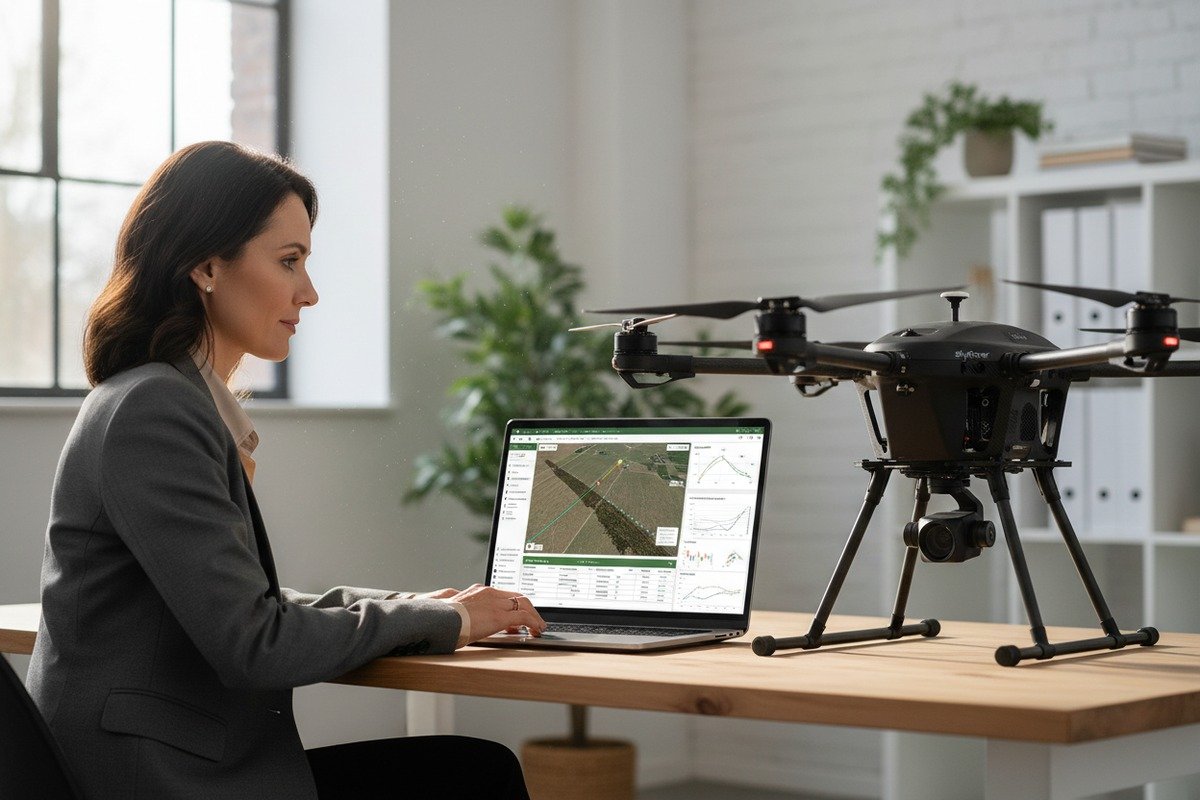
When our engineering team ships hexacopter drones 1 to farms across the US, one question keeps coming back: how do I prove my flights are legal? Regulatory pressure is growing. Audits are real. And incomplete flight logs can cost you your license.
To verify agricultural drone flight log exports for compliance reporting, operators must export logs in standardized formats like CSV or GPX, validate data integrity through checksum verification, confirm all required telemetry fields are populated, and match flight records against operational authorizations before regulatory submission.
This guide walks you through each step. From export formats to data verification, you will learn exactly what regulators expect and how to deliver it.
How do I export flight logs from my agricultural drone to ensure they meet regulatory standards?
Operators who purchase our agricultural spraying drones often ask about log exports during initial training Part 137 operators 2. The truth is, exporting is easy. Exporting correctly takes a bit more attention.
To export flight logs that meet regulatory standards, select your flights in the drone app, choose a universal format like CSV or GPX, and transfer files to secure storage. Ensure exports include GPS coordinates, timestamps, altitude data, and flight duration before submission to authorities.

Understanding Export Formats
Different drone platforms use different native file formats. DJI uses proprietary formats. Our SkyRover systems use standard telemetry files. The problem? Native formats often cannot be read by compliance software or GIS programs 3.
You need to convert these files to universal formats. The most common options are:
| Format | Meilleur pour | Compatible With |
|---|---|---|
| CSV 4 | Spreadsheet analysis, regulatory submission | Excel, Google Sheets, compliance portals |
| GPX | Flight path visualization | GIS software, mapping tools |
| KML/KMZ | Geographic data sharing | Google Earth, farm management systems |
| Shapefile | Professional GIS applications | ArcGIS, QGIS |
Step-by-Step Export Process
First, open your flight logging app. Most modern drones automatically capture telemetry during flight. You do not need to do anything special during the mission.
Second, select the flights you want to export. You can usually choose multiple flights at once. This saves time when preparing for audits.
Third, pick your export format. If your local authority has not specified a format, CSV is usually the safest choice. It opens in any spreadsheet program and can be easily printed.
Fourth, transfer the file. Use a USB-C drive or cloud backup. We always recommend both. Cloud backup protects against hardware failure. Local storage gives you immediate access without internet.
Meeting FAA and State Requirements
The FAA requires Part 107 operators 5 to keep flight logs. Part 137 operators conducting chemical dispensing face stricter rules. Our customers who spray pesticides must document application rates, tank loads, and field boundaries.
State agricultural agencies often have additional requirements. Some states require NOTAM numbers in your logs. Others want weather condition records. Before your first export, check your state's specific documentation rules.
The entire export process takes less than five minutes for most operations. But skipping this step can result in fines or exemption revocation.
What specific data points should I look for to verify my drone's compliance during a flight audit?
During factory testing, our quality control team reviews thousands of flight logs each month. We know exactly which data points auditors check first. Missing even one field can trigger a compliance failure.
During a flight audit, verify these critical data points: flight date and time, GPS coordinates of takeoff and landing, maximum altitude achieved, flight duration, battery status, and pilot identification. For agricultural operations, also confirm application rates, field boundaries, and chemical dispensing records.

Core Telemetry Requirements
Every flight log must contain basic telemetry. This is the foundation of compliance. Without these fields, your log is essentially useless.
| Point de données | Pourquoi c'est important | Audit Risk If Missing |
|---|---|---|
| Flight Date/Time | Proves when operation occurred | High – cannot verify authorization window |
| GPS Coordinates 6 | Shows exact flight location | Critical – cannot prove airspace compliance |
| Maximum Altitude | Confirms adherence to height limits | High – common violation point |
| Flight Duration | Documents operational time | Medium – affects pilot hour tracking |
| Battery Levels | Shows safe operation margins | Low – but indicates data completeness |
Agricultural-Specific Data Points
For operators using our spraying drones, additional data points become mandatory. State pesticide agencies require detailed application records.
You must document:
- Application rates in gallons or liters per acre
- Tank load volumes at start and end of mission
- Field boundary coordinates
- Prescription map data if using variable rate application
- Wind speed and direction during spraying
- Drift management actions taken
Pilot and Equipment Identification
Auditors want to know who flew and what equipment was used. Your logs should automatically capture:
- Remote pilot certificate number
- Aircraft registration number (FAA forms 8050-1 and 8050-2)
- Controller serial number
- Software version at time of flight
Our SkyRover flight systems capture all of this automatically. But some older platforms require manual entry. If you use manual entry, double-check before export.
Correlation with Authorization Documents
The most important verification step is matching your flight data against your authorizations. If you hold a 44807 exemption 7 for drones over 55 pounds, your flight logs must prove you stayed within exemption parameters.
Check that:
- Flight locations match your approved operational areas
- Altitudes stayed within authorized limits
- Flight times occurred during approved windows
- All required crew members were documented as present
Can I customize the flight log export format to match my local government's reporting requirements?
When we develop software for our agricultural drones, customization is always a priority. Different countries and states have different rules. One export format does not fit all situations.
Yes, most modern drone management platforms allow export customization. You can select specific data fields, choose output formats, add custom columns for local requirements, and configure automatic field mapping to match your government's reporting templates.

Platform Customization Options
Different software platforms offer different levels of customization. Here is what to expect:
| Platform Type | Niveau de personnalisation | Meilleur pour |
|---|---|---|
| Manufacturer Apps | Limited – preset export templates | Single-brand fleets |
| Third-Party Log Managers | High – custom field selection | Multi-brand fleets |
| Enterprise Solutions | Full – API integration available | Large operations |
| Open-Source Tools | Complete – modify source code | Technical users |
Matching Local Government Templates
Some states provide specific spreadsheet templates for compliance reporting. California and Florida, for example, have detailed pesticide application report forms.
To match these templates:
First, download your government's official template. Study the column headers and required fields.
Second, configure your export settings. Most platforms let you select which fields to include. Arrange them in the same order as the official template.
Third, test your export. Open the exported file alongside the template. Make sure columns align correctly.
Fourth, create a saved export profile. This lets you repeat the same configuration for future exports.
Adding Custom Fields
Some local requirements include data that drones do not capture automatically. Examples include:
- Crop type being treated
- Weather conditions at time of application
- NOTAM reference numbers
- Supervisor approval signatures
- Equipment maintenance status
Platforms like DroneLogbook and our SkyRover Management System let you add custom fields. You can enter this data manually before export. The information then appears in your compliance report.
Multi-Jurisdiction Operations
Operators working across state lines face extra complexity. Each state may have different requirements. The solution is creating multiple export profiles.
Our customers in the US often maintain three profiles:
- Federal FAA compliance report
- State agricultural agency report
- Internal company audit report
Each profile exports different field combinations in different formats. This takes setup time initially but saves hours during audit season.
How do I verify that my flight log data is accurate and hasn't been corrupted during the export process?
At our production facility, we test data integrity on every unit before shipping. Corrupted data looks valid but contains errors. These errors can cause compliance failures even when you flew legally.
To verify flight log accuracy and detect corruption, compare exported file checksums against originals, cross-reference flight times with controller logs, validate GPS coordinates against known field boundaries, and use automated verification tools that flag anomalies in telemetry data sequences.

Understanding Data Corruption
Data corruption happens during transfer, storage, or export. A single corrupted bit can change altitude readings, timestamps, or GPS coordinates. The result? Your logs show flights you did not take or locations you never visited.
Common causes include:
- Interrupted file transfers
- Storage device failures
- Software bugs during format conversion
- Incomplete cloud synchronization
Checksum Verification
Checksums are digital fingerprints for files. Checksum verification 8 If even one character changes, the checksum changes completely. Here is how to use them:
| Step | Action | Tool |
|---|---|---|
| 1 | Generate checksum before export | Built-in drone app function |
| 2 | Export your flight log | Standard export process |
| 3 | Generate checksum after export | MD5 or SHA-256 calculator |
| 4 | Compare both checksums | Must match exactly |
If checksums do not match, your data was corrupted. Delete the export and try again.
Cross-Reference Validation
Compare your exported data against multiple sources. Discrepancies indicate corruption or errors.
Check flight times against:
- Controller event logs
- Battery discharge records
- Pilot schedule records
- Weather station timestamps
Check GPS coordinates against:
- Field boundary maps
- Satellite imagery
- Previous flight paths over same area
- Ground control point markers
Automated Verification Tools
Modern compliance platforms include automated verification. Our SkyRover Management System checks for:
- Impossible altitude changes (teleportation detection)
- GPS coordinate jumps exceeding drone speed limits
- Timestamp gaps in telemetry sequences
- Battery level increases during flight (impossible without charging)
These checks flag suspicious data before you submit to regulators. Catching errors early prevents audit failures.
Blockchain-Based Verification
Emerging technology uses blockchain to create immutable flight records. Each flight creates a cryptographic hash stored on a distributed ledger. Any tampering becomes immediately detectable.
While not yet required by regulators, blockchain verification is gaining adoption. Insurance companies are starting to require it for high-value agricultural operations. Our enterprise customers increasingly request this feature.
Manual Spot Checks
Even with automation, manual verification adds confidence. Pick three random flights from your export:
- Check that takeoff coordinates match your documented field locations
- Verify that flight duration matches your operational notes
- Confirm that altitude readings stayed within equipment capabilities
If all three pass, your export is likely accurate. If any fail, investigate further before submission.
Conclusion
Flight log verification is not optional. It protects your license, your business, and your reputation. Export in universal formats, verify critical data points, customize for local requirements, and always check data integrity before submission.
Notes de bas de page
1. Explains what hexacopter drones are, their advantages, and how they work. ︎
2. Replaced with the official FAA page detailing Part 137 regulations for dispensing chemicals and agricultural products with UAS. ︎
3. Explains Geographic Information Systems (GIS) and their use in mapping and data analysis. ︎
4. Defines the CSV file format, a widely used standard for tabular data exchange. ︎
5. Replaced with the official FAA page for certificated remote pilots and commercial operators under Part 107. ︎
6. Explains what GPS coordinates are and how they define locations on Earth. ︎
7. Provides information on FAA Section 44807 exemptions for specific drone operations. ︎
8. Defines checksums and their role in detecting data corruption and ensuring integrity. ︎

 English
  Spanish
  German
  French
  Dutch
Dutch  Arabic
