
When our engineering team first started shipping drones agricoles 1 to American farmers, we quickly discovered a frustrating gap. Most drone specifications come in liters and hectares, but US buyers think in gallons and acres. This mismatch causes confusion, calibration errors, and costly overspray incidents on the field.
Yes, you can request US customary units when purchasing agricultural drones. Work with your manufacturer to specify acres and gallons in your procurement contract, request pre-configured software settings, and verify calibration during factory acceptance testing to ensure seamless operation for American agricultural markets.
Below, we break down exactly how to communicate your unit requirements, what to include in contracts, software considerations, and calibration verification methods. Let’s dive into each critical step.
Can I ask my manufacturer to pre-configure my agricultural drones with acres and gallons for the US market?
Many importers assume they must accept whatever default settings come from the factory. In our experience working with US distributors, this assumption leads to preventable headaches down the line. Farmers expect their equipment to speak their language from day one.
Absolutely. Most reputable manufacturers can pre-configure agricultural drone software to display acres, gallons, and gallons per acre (GPA) before shipping. Simply specify this requirement during the quotation phase, and confirm the settings during factory acceptance testing to avoid post-delivery complications.
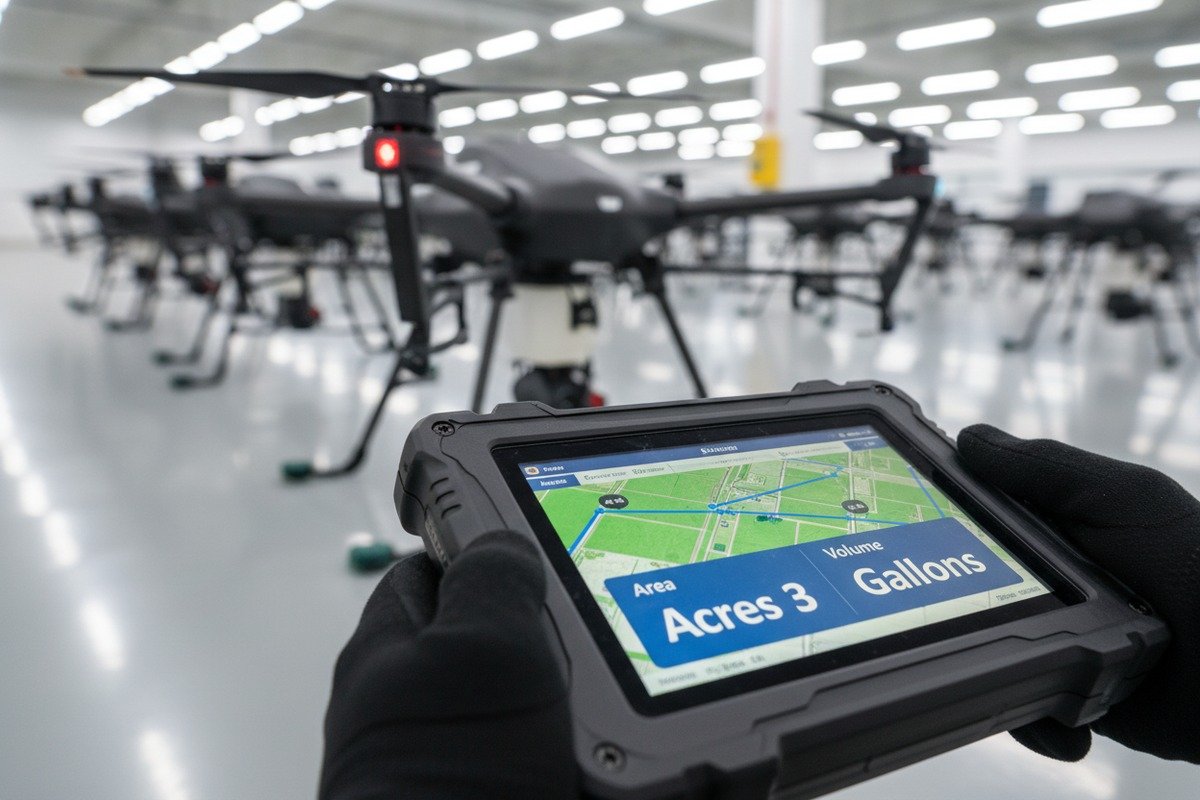
Why Pre-Configuration Matters
When drones arrive configured for metric units, your customers face immediate friction. They must manually convert every measurement or risk application errors. A farmer calculating spray rates in their head during fieldwork is a farmer making mistakes.
Our production team has found that pre-configuration adds minimal time to the assembly process. The flight controller software 2 stores unit preferences in firmware. Changing these settings before shipment takes less than five minutes per unit.
What Settings Can Be Customized
Here is what you can typically request for US market configuration:
| Setting Category | Metric Default | US Customary Option |
|---|---|---|
| Field Area | Hectares (ha) | Acres (ac) |
| Capacité du réservoir | Liters (L) | Gallons (gal) |
| Spray Rate | L/ha | Gallons per acre (GPA) |
| Flight Altitude | Meters (m) | Feet (ft) |
| Vitesse | km/h | mph |
| Poids de la charge utile | Kilograms (kg) | Pounds (lb) |
How to Make the Request
Be explicit in your initial inquiry. Send your manufacturer a written specification sheet stating: "All flight controller displays, ground station software, and user documentation must use US customary units 3." Do not assume they will know your market requirements.
Include specific examples. State that you need "spray rates displayed as gallons per acre, not liters per hectare." Mention that "tank capacity should show remaining gallons, not liters." This level of detail prevents misunderstandings.
Timing Your Request
Make unit configuration requests before production begins. Adding this requirement after units are assembled creates delays. During our production planning meetings, we allocate unit configuration as a standard pre-shipment checklist item. Catching this early saves everyone time and money.
How do I include specific US unit requirements in my OEM drone procurement contract?
Verbal agreements get forgotten. When our export team handles OEM orders, we insist on written documentation for every technical specification. Unit requirements are no exception. OEM procurement contract 4 A clear contract protects both parties.
Include a dedicated "Unit of Measurement" clause in your procurement contract specifying that all displays, documentation, software interfaces, and calibration procedures must use US customary units (acres, gallons, GPA, feet, pounds). Attach a technical specification sheet as a contract appendix for reference.

Essential Contract Language
Your contract should contain explicit, unambiguous language. Here is sample wording you can adapt:
"All drone flight controller interfaces, ground control station software, mobile applications, user manuals, training materials, and calibration documentation shall display measurements exclusively in United States customary units, including but not limited to: acres for area, gallons for volume, gallons per acre for application rate, feet for altitude, miles per hour for speed, and pounds for weight."
Technical Specification Appendix
Attach a detailed specification sheet to your contract. This appendix should list every parameter and its required unit. technical specification sheet 5 Our contracts typically include a table like this:
| Paramètres | Required Unit | Notes |
|---|---|---|
| Field mapping area | Acres | Must display in mission planning software |
| Tank capacity display | US Gallons | Real-time remaining capacity |
| Application rate setting | GPA | Adjustable from 1-15 GPA |
| Flight altitude | Feet AGL | Above ground level |
| Ground speed | Miles per hour | During spray operations |
| Payload capacity | Pounds | Maximum takeoff weight spec |
| Flow rate | Gallons per minute | Pump calibration parameter |
Quality Control Checkpoints
Specify inspection points in your contract where units will be verified. We recommend three checkpoints:
- Pre-production review: Confirm software configuration files show US units
- Factory acceptance test: Verify displays show correct units during powered-on inspection
- Inspection avant expédition: Final confirmation before container loading
Remediation Clauses
Include language addressing non-compliance. State what happens if units are incorrect upon delivery. Options include:
- Manufacturer provides remote software update at no cost
- Manufacturer covers shipping for units requiring reconfiguration
- Price reduction for buyer inconvenience
Exigences en matière de documentation
Specify that all accompanying materials must use US units. This includes:
- User manuals and quick-start guides
- Training videos and presentation materials
- Spare parts catalogs with specifications
- Calibration procedure documents
- Warranty registration forms
When our documentation team prepares export materials, we maintain separate US and metric versions. Request the US version explicitly.
Will the drone software allow my customers to switch between metric and US customary units easily?
End users have different preferences. Some American operators actually prefer metric for certain calculations. When we develop our flight control software, flexibility is a core design principle. Your customers should never feel locked into one system.
Most modern agricultural drone software includes a user-accessible settings menu where operators can toggle between metric and US customary units. Confirm with your manufacturer that unit switching is available in all software components—flight controller, ground station app, and mission planning tools.
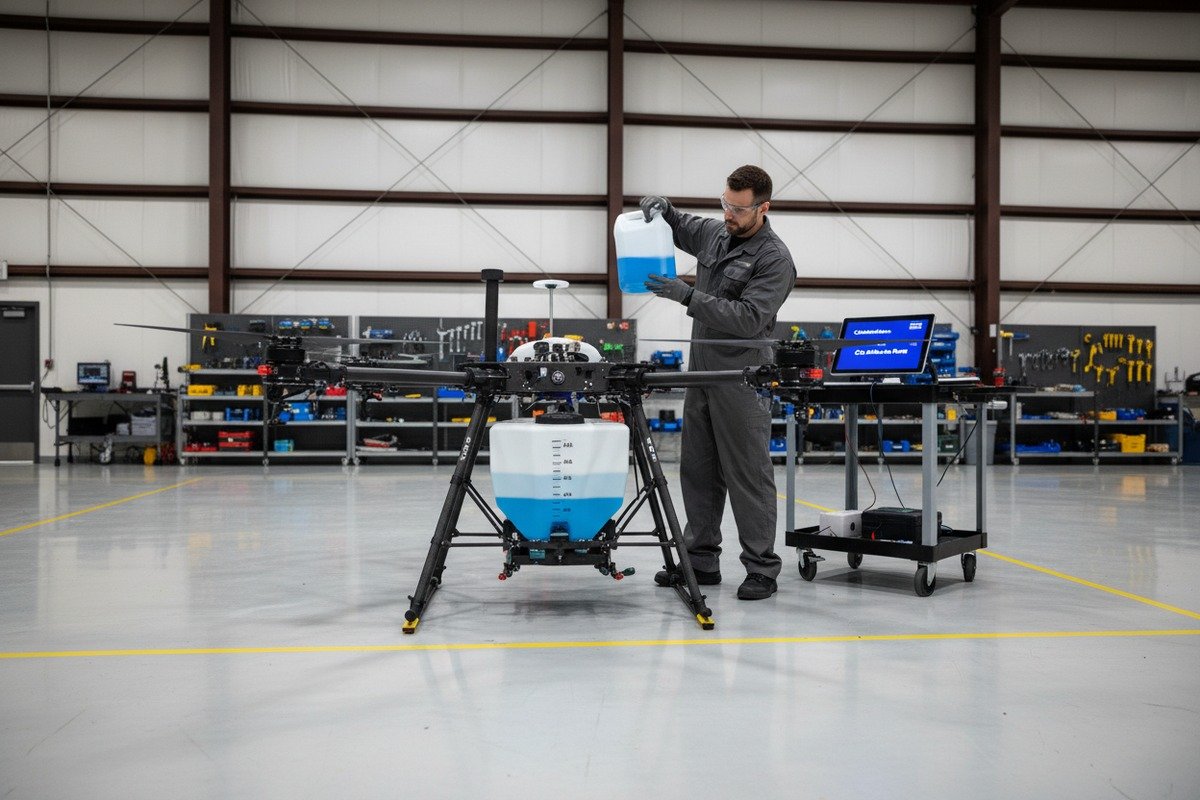
Software Components to Verify
Agricultural drone systems typically include multiple software interfaces. Each requires unit switching capability:
| Software Component | Fonction | Unit Switching Location |
|---|---|---|
| Flight Controller Display | Onboard screen showing real-time data | Settings > Display > Units |
| Ground Control Station App 6 | Tablet/phone app for mission control | App Settings > Measurement Units |
| Mission Planning Software | Desktop software for route planning | Preferences > Regional Settings |
| Data Export Module | Post-flight reports and logs | Export Settings > Unit Format |
| Calibration Interface | Pump and sensor calibration | Calibration Menu > Unit Selection |
User Interface Considerations
The switching process should be intuitive. On our systems, users access unit preferences within three taps. Deep menu navigation frustrates operators. Ask your manufacturer for screenshots of the unit selection interface.
Switching should apply globally. When a user selects "US Customary," every display should update simultaneously. Partial switching—where some screens show metric while others show imperial—causes dangerous confusion.
Real-Time Conversion Accuracy
Software must handle conversions precisely. Rounding errors compound during spray operations. A small conversion mistake in GPA becomes significant overspray across hundreds of acres.
Verify that the software uses accurate conversion factors:
- 1 acre = 0.404686 hectares
- 1 gallon = 3.78541 liters
- 1 GPA = 9.35396 L/ha
Request documentation showing how the software handles these conversions internally. Our engineering team validates conversion accuracy during every firmware update.
Cloud and Data Sync
If the drone system uses cloud-based data storage, confirm that unit preferences sync across devices. An operator who sets units on their tablet should see the same settings on their desktop software.
Also verify that historical flight data displays correctly regardless of the unit setting active when the mission was flown. A mission flown in metric mode should still display correctly when viewed later in US customary mode.
Training Your Customers
Even with easy switching, some training helps. Include unit switching instructions in any dealer training materials you provide. Our reseller partners receive specific guidance on helping end users configure unit preferences during initial setup.
How can I verify that the drone's spraying system is accurately calibrated for gallons and acres during testing?
Calibration accuracy determines spraying effectiveness. During our factory testing protocols, we verify every spraying system against known standards. Your pre-shipment inspection should include thorough calibration verification using US customary measurements.
Verify spray calibration by conducting a measured test: collect actual output over a timed interval, calculate flow rate in gallons per minute, then confirm the drone's displayed GPA matches calculated values when flying a known acreage at specified speed. Document all results before accepting shipment.
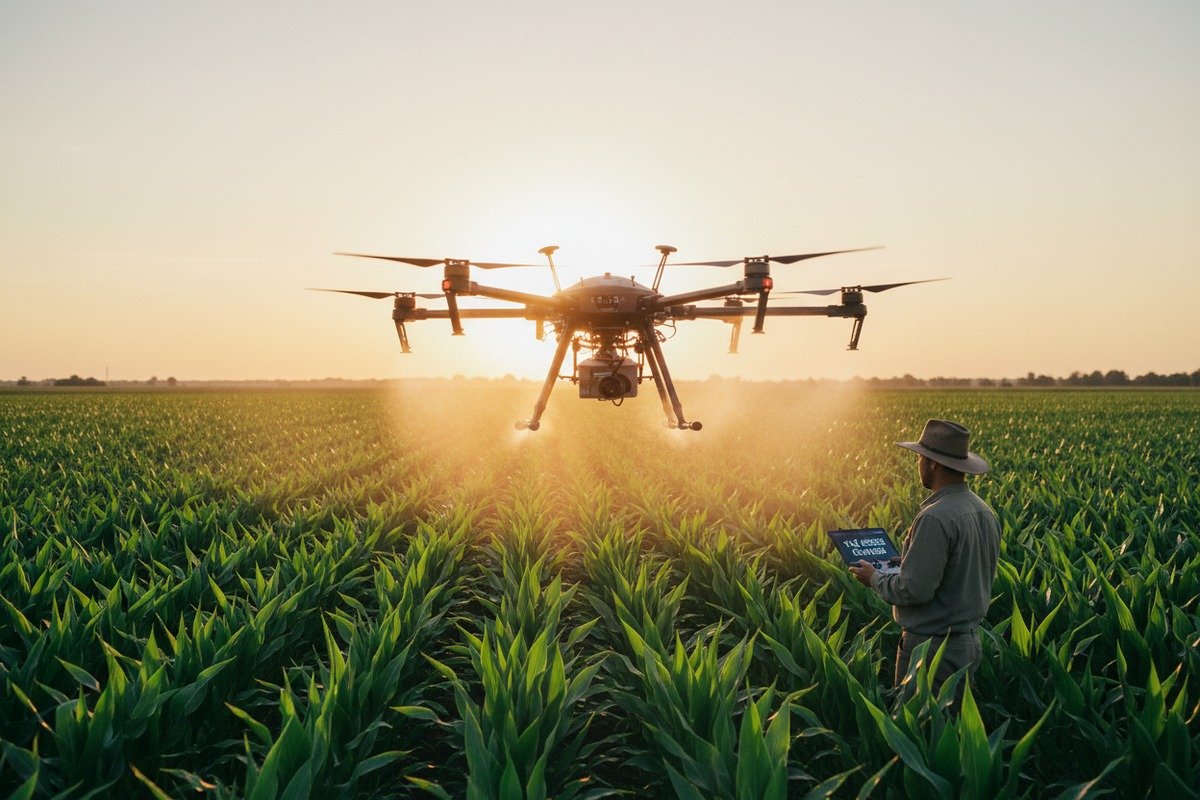
The Bucket Test Method
This simple, reliable test verifies actual flow rate against displayed values:
- Fill the drone tank with a measured quantity of water (use gallons)
- Run the spray system at your target pressure setting
- Collect output in calibrated containers for exactly 60 seconds
- Measure collected volume in gallons
- Compare to the flow rate displayed on the controller
If the display shows 1.5 GPM but you collected 1.3 gallons, calibration adjustment is needed.
Field Coverage Calculation
After verifying flow rate, test coverage calculations:
- Mark a test area of known size (recommend 1 acre minimum)
- Program a spray mission at a specific GPA (e.g., 5 GPA)
- Record tank level before and after the mission
- Calculate: (gallons used) ÷ (acres covered) = actual GPA
The actual GPA should match your programmed setting within ±5%. Larger variances indicate calibration problems.
Calibration Verification Checklist
Use this checklist during factory acceptance testing 7:
| Test Item | Target Value | Fourchette acceptable | Actual Result |
|---|---|---|---|
| Flow rate accuracy | Displayed GPM | ±3% of measured | _____ |
| GPA at 3 mph | Set value | ±5% variance | _____ |
| GPA at 5 mph | Set value | ±5% variance | _____ |
| Tank volume display | Known fill | ±2% accuracy | _____ |
| Coverage area calculation | Measured acres | ±3% variance | _____ |
| Altitude hold | Set feet AGL | ±1 foot variance | _____ |
Nozzle and Pressure Verification
Spraying accuracy depends on proper nozzle output. Each nozzle should deliver consistent volume. Test individual nozzles by collecting output separately. All nozzles should produce within ±5% of each other.
Pressure settings affect droplet size and coverage uniformity. Verify the pressure gauge displays in PSI (US customary) rather than bar (metric). Our spraying systems include both scales, but confirm which is primary.
Documentation for Compliance
Pour FAA Part 137 compliance 8, you may need calibration records. Request a calibration certificate stating:
- Date of calibration
- Test methodology used
- Results in US customary units
- Technician signature
- Equipment serial number
Keep these records with each drone. Some state agricultural departments require calibration documentation for pesticide application licensing.
Ongoing Calibration Schedule
Inform your customers about recalibration intervals. We recommend verification every 50 flight hours or at the start of each spray season. Wear on pump components and nozzle tips affects accuracy over time.
Provide customers with the calibration procedure in their native units. A farmer recalibrating in the field should not need to perform mental conversions.
Conclusion
Getting US customary units right requires clear communication with your manufacturer from the start. Specify acres and gallons in your procurement contracts, verify software switching capabilities, and conduct thorough calibration testing before accepting shipment. Your American customers will appreciate equipment that speaks their language.
Notes de bas de page
1. Explains the various applications and advantages of drones in the agricultural sector. ︎
2. Replaced unknown HTTP status link with documentation on flight controller software from an authoritative open-source autopilot project. ︎
3. Provides a comprehensive overview of the measurement system used in the United States. ︎
4. Defines an OEM supply agreement and outlines its key components. ︎
5. Explains the purpose and importance of a technical specification document. ︎
6. Describes the function and key features of a drone ground control station. ︎
7. Replaced HTTP 404 with a comprehensive guide on factory acceptance testing from an authoritative source. ︎
8. Provides the official regulations for agricultural aircraft operations by the FAA. ︎

 English
  Spanish
  German
  French
  Dutch
Dutch  Arabic
