
When our R&D team first started developing agricultural drone systems 1, we quickly realized that hardware alone cannot determine success. Many of our partners face the same struggle—choosing flight control software 2 that field operators can actually use without weeks of training.
To compare flight control software ease of use, evaluate the user interface intuitiveness, learning curve duration, offline functionality, automation depth, customization options, and post-purchase technical support quality. Test free trials hands-on and request demo missions from suppliers before committing to any platform.
This guide walks you through the key factors we consider when helping our distribution partners select the right software for their agricultural drone fleets user interface intuitiveness 3. Let us dive into each critical area.
How can I evaluate if the software interface is intuitive enough for my field operators to master quickly?
Our engineers have spent years observing how field operators interact with drone software across different skill levels. The gap between a polished interface and a confusing one can mean hours of lost productivity during peak spraying season.
Evaluate interface intuitiveness by testing mission setup time, counting clicks required for basic tasks, checking mobile compatibility, assessing visual clarity of maps and controls, and observing how quickly a new user can complete a test flight without assistance. Under 30 minutes for first mission indicates good usability.

Key Metrics for Interface Evaluation
When we train our partners on flight control systems, we use specific benchmarks. A truly intuitive interface should allow operators to complete their first autonomous spraying mission within 30 minutes of opening the software.
Here are the core elements to test:
Click Count Analysis: Track how many clicks it takes to plan a basic rectangular field mission. DJI Agras Cloud typically requires 5-7 clicks. UgCS may need 10-15 clicks due to its advanced terrain options. More clicks mean more training time.
Visual Hierarchy: Good software puts the most-used buttons front and center. Flight start, emergency stop, and return-to-home should never be hidden in submenus.
Error Messaging: When something goes wrong, does the software explain the problem in plain language? Vague error codes frustrate operators and slow down operations.
Mobile vs Desktop Experience
| Característica | Mobile App | Desktop Software |
|---|---|---|
| Field portability | Excelente | Poor |
| Screen real estate | Limitado | Extensive |
| Mission planning precision | Basic | Advanced |
| Real-time monitoring | Bien | Better |
| Capacidad sin conexión | Varies by vendor | Usually stronger |
Many of our US distributors prefer mobile apps for daily operations. However, complex multi-field planning often requires desktop access. The best suppliers offer seamless sync between both platforms.
Learning Curve Benchmarks by User Type
| User Background | Target Mastery Time | Software Complexity Tolerance |
|---|---|---|
| Complete beginner | 2-4 hours | Bajo |
| Experienced pilot | 30-60 minutes | Medio |
| IT professional | 15-30 minutes | Alto |
| Farm manager | 1-2 hours | Low-Medium |
We always recommend requesting a free trial period. Have your actual field operators—not just tech-savvy staff—test the software. Their feedback reveals usability issues that spec sheets cannot show.
What should I look for to ensure the supplier can customize the flight control software for my specific brand needs?
In our experience exporting to the US and European markets, we have learned that brand differentiation matters enormously. Your clients want software that carries your identity, not a generic third-party logo on every screen.
Look for suppliers offering white-label options, API access for third-party integrations, configurable user interfaces, custom report branding, language localization support, and dedicated development partnerships. Request a customization scope document and timeline estimates before signing any agreement.

Types of Customization Available
Not all customization requests are equal. Some take days. Others require months of development. Understanding this spectrum helps set realistic expectations.
Surface-Level Customization: Logo replacement, color scheme changes, custom splash screens. Most suppliers can deliver these within 1-2 weeks.
Functional Customization: Adding specific data fields, modifying report formats, creating custom waypoint behaviors. Expect 4-8 weeks of development time.
Deep Integration: Connecting to proprietary farm management systems, building custom automation workflows, developing unique sensor data processing. This level requires 3-6 months and dedicated engineering resources.
Questions to Ask Suppliers About Customization
When we collaborate with distributors on custom software features, we always clarify these points upfront:
- Do you offer source code access or only compiled applications?
- What is your minimum order quantity for custom development?
- Will customizations carry over to future software updates?
- Who owns the intellectual property of custom features?
- Can I beta-test customizations before full deployment?
Customization Capability Comparison
| Supplier Type | White-Label | API Access 4 | Custom Features | Development Support |
|---|---|---|---|---|
| Major brands (DJI, XAG) | Limitado | Moderate | Minimal | Basic |
| Mid-tier manufacturers | Available | Full | Flexible | Dedicated |
| Software-only vendors | Full | Full | Extensive | Priority |
| OEM partners | Full | Full | Unlimited | Embedded |
Our team has found that mid-tier manufacturers often provide the best customization value. Large brands prioritize their own ecosystem. Small software companies may lack resources for ongoing support.
Integration Considerations
Your software must talk to other systems. Farm management platforms 5 like John Deere Operations Center, Climate FieldView, and Granular require data exchange. Check whether your supplier supports these integrations natively or requires custom development.
API documentation quality matters too. Well-documented APIs allow your technical team to build connections independently. Poor documentation means constant support requests and delays.
How do I verify the software's stability and the quality of technical support I will receive after the purchase?
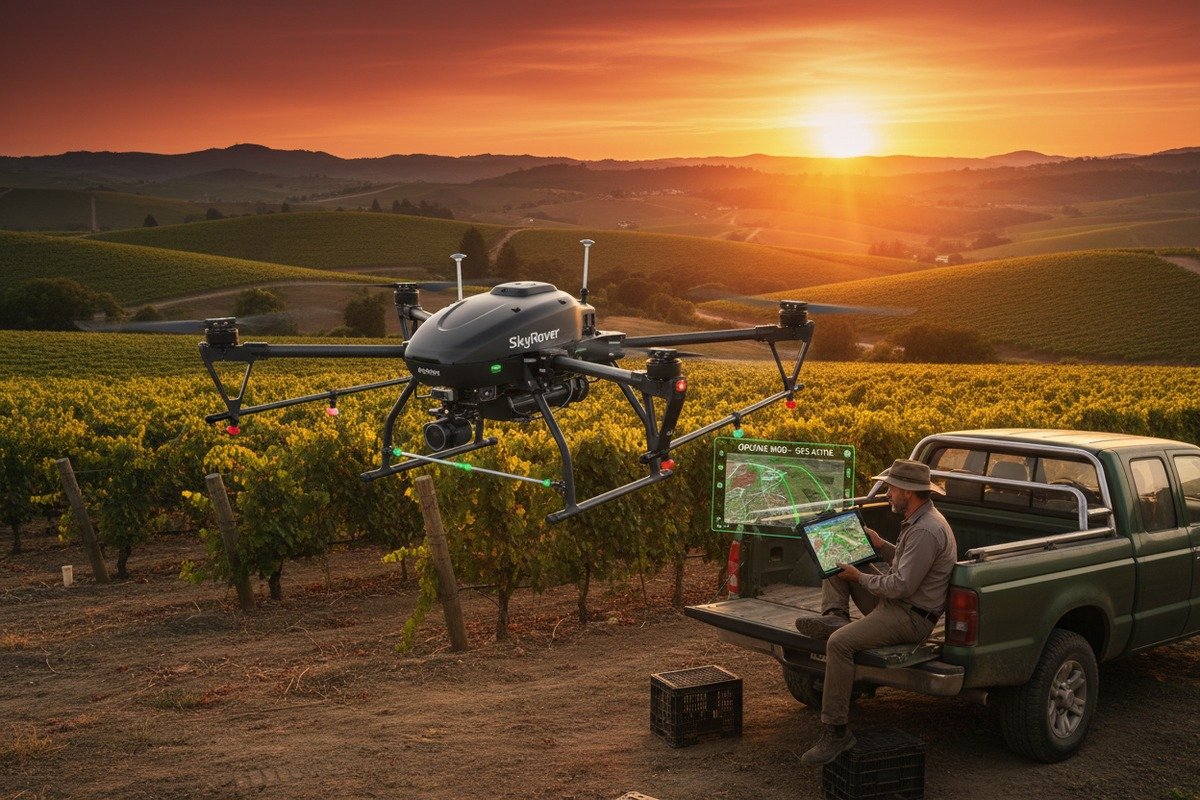
When we calibrate our flight controllers before shipment, we run extensive stability tests. But software stability in the field depends on many factors beyond our factory walls—network conditions, device compatibility, and environmental variables all play roles.
Verify software stability by requesting crash logs and uptime statistics, reading independent user reviews, testing offline functionality in airplane mode, checking update frequency and changelog transparency, and confirming support response time guarantees in writing before purchase.
Stability Indicators to Investigate
Software crashes during a spraying mission waste chemicals, damage crops, and destroy client trust. Here is how to assess stability before committing:
Update History Analysis: Review the supplier's changelog for the past 12 months. Frequent bug fixes suggest ongoing stability issues. Major feature additions without accompanying fixes may indicate rushed development.
Offline Resilience: Agricultural fields often lack reliable internet. Test the software in airplane mode. Can it complete a full mission without connectivity? Can it sync data when connection returns?
Device Compatibility: Ask for a certified device list. Test on your actual tablets and phones, not just the newest models. Field equipment takes abuse and may run older operating systems.
Technical Support Quality Checklist
| Support Element | Acceptable Standard | Red Flag |
|---|---|---|
| Response time (business hours) | Under 4 hours | Over 24 hours |
| Emergency support availability | 24/7 phone line | Solo correo electrónico |
| Language support | Your operators' language | English only for non-English markets |
| Remote troubleshooting | Screen sharing capability | Text-based only |
| On-site support option | Available at cost | Not offered |
Testing Support Before Purchase
We recommend this approach: Submit a technical question to the supplier's support team before buying. Time their response. Evaluate the quality of their answer. Did they understand your question? Did they provide actionable steps?
Also, ask for references from existing customers in your region. Contact them directly. Ask about their worst support experience and how the supplier resolved it.
Software Update Policies
| Update Type | Ideal Frequency | Concern Level |
|---|---|---|
| Security patches | Within 48 hours of discovery | Critical |
| Bug fixes | Mensual | Alto |
| Feature updates | Trimestral | Medio |
| Major version releases | Annually | Bajo |
Our distribution partners have encountered suppliers who abandon software after initial sale. Verify that your supplier has a track record of supporting products for at least 3-5 years. Check whether updates are included in your purchase or require additional subscription fees.
Warranty and Service Level Agreements
Get everything in writing. A verbal promise of "excellent support" means nothing when your fleet is grounded. Request a formal Acuerdo de Nivel de Servicio 6 specifying response times, escalation procedures, and compensation for support failures.
Which automation features should I prioritize to ensure the software simplifies complex spraying tasks for my agricultural clients?
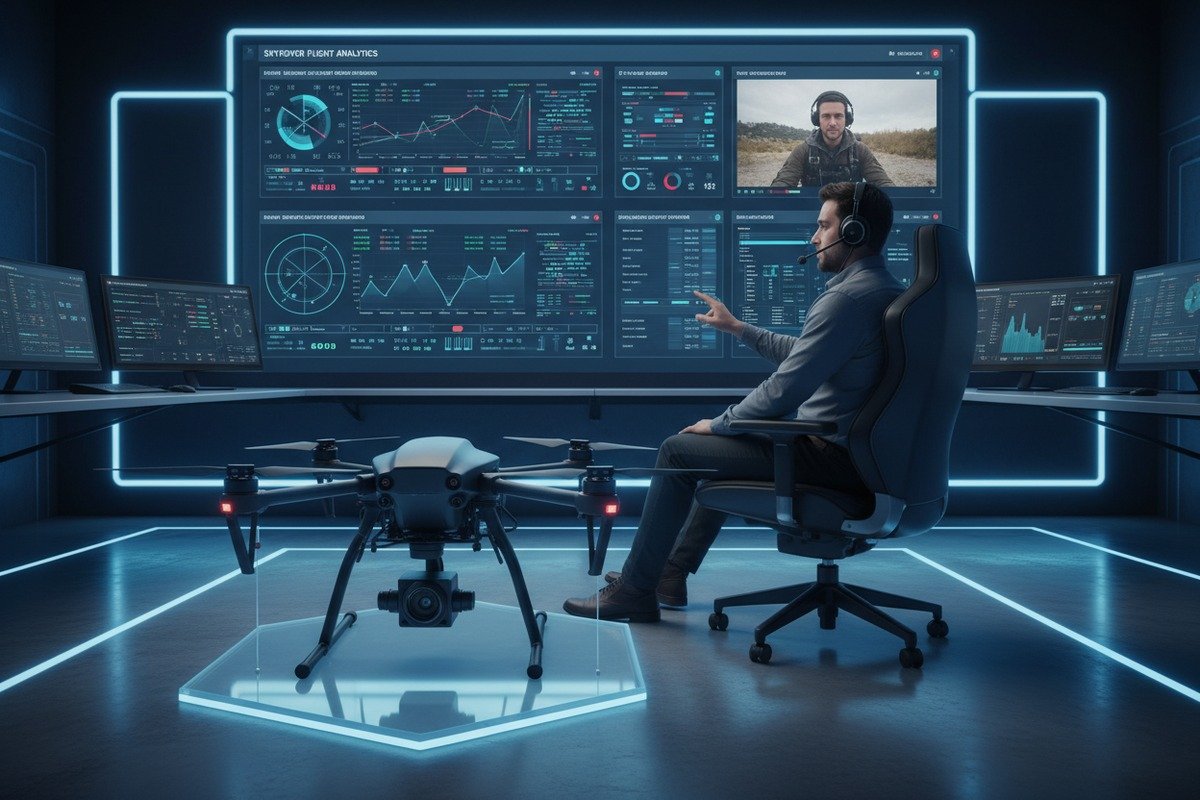
Our production line has evolved significantly based on automation feedback from agricultural operators. The right automation features transform a skilled-pilot requirement into a simple-operator task, expanding your potential customer base dramatically.
Prioritize terrain-following with DEM import, automatic path optimization for irregular fields, variable rate application based on prescription maps, obstacle avoidance integration, weather monitoring with auto-pause, and one-click resume functionality after battery swaps or interruptions.
Essential Automation Features Ranked
Not all automation features deliver equal value. Based on feedback from hundreds of agricultural operations, here is our priority ranking:
Tier 1 – Must Have:
- Automatic boundary detection from satellite imagery
- Terrain-following 7 using digital elevation models
- Smart path planning for irregular field shapes
- Auto-return and resume after battery change
Tier 2 – Highly Valuable:
- Variable rate application 8 integration
- Real-time wind compensation
- Automatic overlap adjustment
- Fleet coordination for multi-drone operations
Tier 3 – Nice to Have:
- AI-powered crop health analysis
- Predictive maintenance alerts
- Augmented reality field visualization
- Voice-controlled commands
Automation Impact on Operator Skill Requirements
| Task | Without Automation | With Automation |
|---|---|---|
| Field boundary mapping | Manual GPS walking (30+ min) | Satellite import (2 min) |
| Path planning | Engineering knowledge required | One-click optimization |
| Terrain compensation | Constant manual adjustment | Automatic DEM processing |
| Variable rate spraying | Pre-calculated tank mixing | Real-time flow adjustment |
| Battery swap continuation | Re-plan from scratch | Automatic resume |
Evaluating Terrain-Following Quality
Terrain-following prevents crashes in hilly fields and ensures consistent spray height. However, implementation quality varies dramatically:
DEM/DSM Import Capability: The best systems accept standard elevation data formats. DJI FlightHub 2 and UgCS both support this. Verify that your target software can import the elevation data available for your operating regions.
AGL Accuracy: Ask suppliers for their Above Ground Level accuracy specifications. RTK-enabled systems achieve 2-3 cm horizontal accuracy. Non-RTK systems may drift 1-2 meters, causing inconsistent application.
Frecuencia de actualización: How often does the software adjust altitude? Real-time adjustment prevents sudden terrain changes from causing crashes. Slower systems may react too late on rolling terrain.
Variable Rate Application Considerations
Variable rate application saves chemicals and improves crop outcomes. But the software must integrate with your prescription map sources:
- Does it accept standard ISOXML files?
- Can it connect directly to farm management platforms?
- Does it support real-time NDVI adjustments?
- Can operators manually override automated rates?
Our engineers have found that prescription map compatibility issues cause more customer complaints than any other automation feature. Test thoroughly with actual prescription data before committing.
Fleet Management Automation
For operations running multiple drones, fleet coordination automation becomes critical. Look for:
- Automatic zone division among available drones
- Centralized mission monitoring
- Synchronized start and stop commands
- Consolidated reporting across all aircraft
Platforms like Airdata UAV support fleet analytics across 150,000+ pilots. This scale demonstrates proven reliability for multi-drone operations.
Conclusión
Choosing the right flight control software requires hands-on evaluation of interface design, customization potential, support quality, and automation depth. Test before you buy, get commitments in writing, and involve your actual field operators in the decision process.
Notas al pie
1. Wikipedia provides a comprehensive overview of agricultural drones and their systems. ↩︎
2. PX4 Autopilot is a widely recognized open-source flight control software for drones, hosted by the Linux Foundation. ↩︎
3. This article defines and explains what an intuitive interface is, aligning with the original anchor text’s intent. ↩︎
4. Clarifies what API access means in the context of software integration. ↩︎
5. farmOS is a web-based, open-source application for farm management, planning, and record-keeping, developed by a community of farmers and developers. ↩︎
6. Wikipedia offers a detailed explanation of Service Level Agreements, their components, and types. ↩︎
7. Wikipedia provides a clear definition and explanation of terrain-following technology, including its use in aircraft and drones. ↩︎
8. Describes variable rate technology in agriculture for optimized input application. ↩︎

 English
  Spanish
  German
  French
  Dutch
Dutch  Arabic
