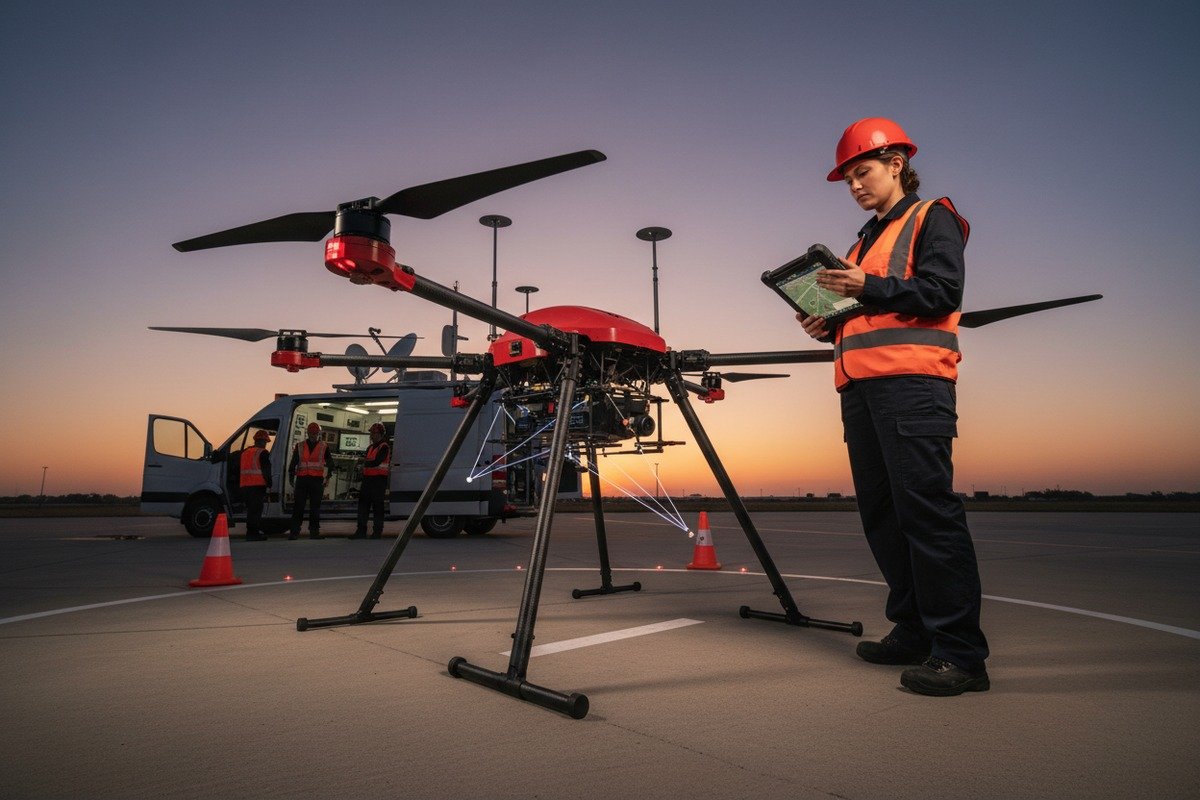
When we first started shipping our firefighting drones to fire departments across the US, the most common complaint surprised us MISB ST 0601 metadata standards 1. It wasn’t about flight time or thermal camera quality. It was about software integration failures. Departments had invested in expensive mission planning platforms, only to discover their new drones couldn’t communicate properly hardware-in-the-loop simulation 2. This disconnect caused delayed deployments, wasted budgets, and frustrated crews during critical wildfire operations.
To verify firefighting drone compatibility with third-party mission planning software, you must confirm protocol support like MAVLink, test API integrations in controlled environments, validate payload control capabilities, and request SDK documentation from your drone supplier before purchase.
This guide walks you through every verification step our engineering team has developed over years of helping clients integrate our drones with platforms like UgCS, FlytBase, and Smart Flight PX4 SITL with Gazebo 3. Let’s break down each critical checkpoint.
How do I confirm if my firefighting drone supports the MAVLink protocol used by third-party software?
Our engineering team has tested hundreds of protocol configurations over the past five years. We've seen countless integration failures that trace back to one simple oversight. Buyers assume all industrial drones speak the same language. They don't. This assumption costs fire departments weeks of troubleshooting during critical deployment windows.
To confirm MAVLink support, check your drone's technical specifications for MAVLink 1.0 or 2.0 compatibility, request protocol documentation from the manufacturer, and test communication using a ground control station like QGroundControl before committing to any third-party software.

Understanding MAVLink Versions
MAVLink is the most widely adopted communication protocol for drone operations. MAVLink protocol 4 However, version differences matter significantly. MAVLink 2.0 5 offers message signing, packet trimming, and extended message IDs that MAVLink 1.0 lacks. Most modern third-party mission planning software requires MAVLink 2.0 for full functionality.
When we calibrate our flight controllers, we ensure backward compatibility with both versions. Not all manufacturers do this. Ask your supplier directly which version their autopilot system supports. Request written confirmation, not just verbal assurance.
Protocol Compatibility Checklist
| Schritt der Verifizierung | What to Check | Warum es wichtig ist |
|---|---|---|
| Protocol Version | MAVLink 1.0 vs 2.0 | Determines feature availability |
| Message Types | Heartbeat, GPS, Attitude | Core telemetry requirements |
| Baud Rate Settings | 57600, 115200, 921600 | Communication speed matching |
| Serial Port Access | USB, UART, Ethernet | Physical connection options |
| Encryption Support | Message signing capability | Security for sensitive missions |
Testing Protocol Communication
Before purchasing any firefighting drone, request a test unit or demonstration. Connect the drone to QGroundControl 6 or Mission Planner. These free tools will immediately reveal MAVLink compatibility issues. Watch for stable heartbeat signals, accurate GPS reporting, and responsive attitude data.
Our factory runs every drone through this exact test sequence before shipping. We provide clients with detailed protocol test reports. Ask your potential supplier if they offer similar documentation. If they hesitate, consider that a red flag.
Common Protocol Issues We've Encountered
PX4 and ArduPilot-based drones 7 generally offer excellent MAVLink support. DJI drones require the DJI SDK bridge for MAVLink translation, which adds complexity. Some proprietary systems claim MAVLink compatibility but only support limited message subsets. Always verify the specific messages your mission planning software requires.
Can I control my thermal cameras and fire suppression payloads through my preferred mission planning app?
In our experience exporting to US fire departments, payload control causes more integration headaches than flight control. A drone might fly perfectly through third-party software while leaving thermal cameras and fire suppression systems completely unresponsive. This split functionality defeats the entire purpose of unified mission planning.
Yes, you can control thermal cameras and fire suppression payloads through third-party apps, but only if your drone supports gimbal and payload protocols like MAVLink camera control, vendor-specific APIs, or MISB ST 0601 metadata standards that your chosen software recognizes.
Payload Control Architecture
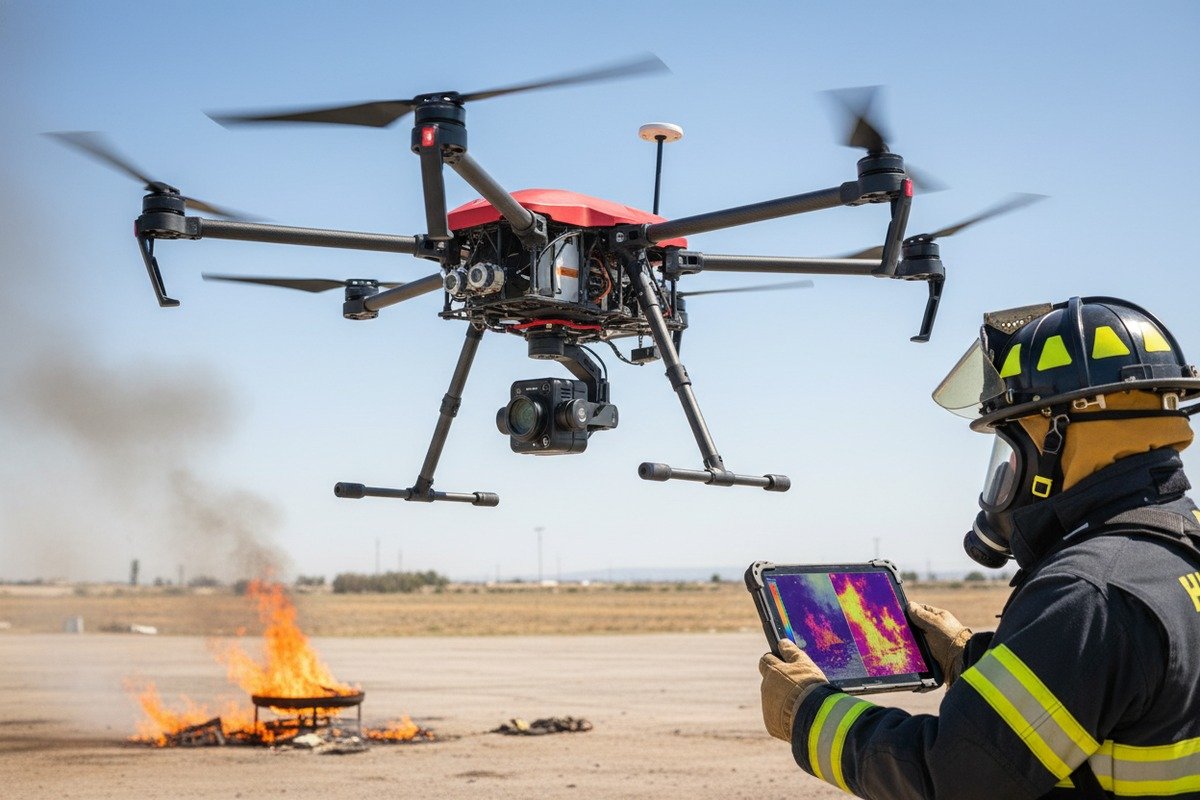
Modern firefighting drones separate flight control from payload control. Your autopilot handles navigation and stability. A separate payload controller manages cameras, gimbals, and suppression mechanisms. Third-party software must communicate with both systems simultaneously.
When we design our firefighting drone configurations, we route all payload commands through the main MAVLink stream. This approach simplifies integration. Some manufacturers use separate communication channels for payloads, requiring additional configuration in your mission planning software.
Software-Payload Compatibility Matrix
| Mission Planning Software | DJI Payloads | Generic MAVLink Payloads | Custom API Support |
|---|---|---|---|
| UgCS | Full (via SDK) | Full | Begrenzt |
| FlytBase | Full | Full | Custom available |
| Smart Flight | Begrenzt | Full | Extensive |
| DJI Pilot 2 | Full | Keine | DJI only |
| QGroundControl | Keine | Full | Open source |
Thermal Camera Integration Requirements
Thermal cameras like the FLIR Vue Pro, DJI Zenmuse XT2, and our own integrated thermal modules require specific control protocols. Key functions include:
- Palette switching for different fire visualization modes
- Isotherm settings to highlight temperature thresholds
- Picture-in-picture modes for simultaneous visual and thermal feeds
- Recording triggers synchronized with waypoint events
Verify that your mission planning software can send these commands. Request a demonstration showing real-time thermal palette changes during autonomous flight. If the software only supports basic gimbal tilt and pan, you'll lose critical firefighting capabilities.
Fire Suppression Payload Considerations
Fire suppression payloads add another complexity layer. These systems typically require:
- Trigger signals at precise GPS coordinates
- Payload weight compensation during flight planning
- Safety interlocks preventing accidental discharge
- Status telemetry confirming suppression agent levels
Our suppression-equipped drones expose these controls through extended MAVLink messages. Not all mission planning software supports these extensions. Smart Flight and custom FlytBase configurations handle them well. Standard DroneDeploy and Pix4D lack suppression payload support entirely.
Verifying Payload Control Before Purchase
Request a live demonstration with your exact software-payload combination. Watch for:
- Smooth gimbal response to software commands
- Accurate thermal image streaming at advertised resolution
- Reliable trigger activation on suppression systems
- Proper metadata embedding in recorded footage
What is the best way for me to test software-to-drone communication without risking a crash?
When we train new pilots at our facility, we never let them test software integrations with live flights first. The risks are too high. A misconfigured waypoint, an unexpected failsafe trigger, or a communication dropout during a firefighting mission can destroy expensive equipment and endanger personnel.
The safest testing method combines hardware-in-the-loop simulation using tools like SITL or Gazebo, followed by tethered outdoor flights with the drone secured, and finally short-range manual override tests before any autonomous firefighting mission deployment.

Software-in-the-Loop Simulation
Software-in-the-Loop testing runs your actual mission planning software against a simulated drone. The simulation mimics real flight dynamics, GPS behavior, and sensor responses. Our engineering team uses this method to validate every software integration before shipping drones to clients.
Popular SITL environments include:
- PX4 SITL with Gazebo: Full physics simulation with visual feedback
- ArduPilot SITL: Lightweight, runs on standard laptops
- DJI Flight Simulator: Limited to DJI ecosystem
- AirSim: Microsoft's open-source option with AI capabilities
Testing Protocol Step-by-Step
| Phase | Environment | Risikostufe | What to Validate |
|---|---|---|---|
| 1. Desktop Simulation | SITL/Gazebo | Zero | Basic connectivity, waypoint upload |
| 2. Hardware Connection | Bench test, props removed | Sehr niedrig | Telemetry accuracy, command response |
| 3. Tethered Outdoor | Secured with safety line | Niedrig | GPS lock, attitude control |
| 4. Short Range Manual | Open field, pilot override ready | Mittel | Failsafe triggers, RTH function |
| 5. Full Autonomous | Controlled environment | Höher | Complete mission execution |
Bench Testing Best Practices
Connect your drone to the mission planning software with propellers removed. This allows safe testing of:
- Motor response to throttle commands
- Gimbal movement following software instructions
- Telemetry data accuracy and update rates
- Failsafe behavior when communication drops
We include detailed bench testing procedures with every drone shipment. Clients can verify all critical functions without any flight risk. Ask your supplier if they provide similar documentation.
Tethered Flight Testing
After successful bench tests, conduct tethered outdoor flights. Secure the drone with rated climbing rope or commercial drone tethers. This setup allows:
- Real GPS and compass verification
- Actual flight dynamics observation
- Software command validation under load
- Safe assessment of altitude hold and position hold
Keep tether length short initially. Gradually extend it as confidence builds. Always have a manual pilot ready to override autonomous commands.
Communication Dropout Testing
Intentionally test communication loss scenarios. Most firefighting operations occur in challenging RF environments. Verify that your drone:
- Executes proper failsafe behavior when signal drops
- Returns home reliably using GPS
- Maintains safe altitude during autonomous return
- Resumes mission when communication restores
Our drones include configurable failsafe parameters. We help clients tune these settings for their specific operational environments.
Will my drone supplier provide the SDK support I need to integrate my own custom mission planning tools?
Our sales team fields this question weekly. Fire departments and their contractors increasingly want custom integrations. They need their drones talking to existing GIS platforms, incident command systems, and proprietary dispatch software. The answer depends entirely on your supplier's commitment to developer support.
Reputable drone suppliers should provide comprehensive SDK documentation, API access credentials, sample code libraries, technical support channels, and ideally sandbox testing environments to help you build custom mission planning integrations successfully.

What SDK Support Should Include
| Support Element | Basic Level | Standard Level | Premium Level |
|---|---|---|---|
| Dokumentation | PDF manual only | Online portal | Interactive docs with examples |
| Sample Code | Keine | One language | Multiple languages |
| Technische Unterstützung | Email only | Email + forum | Dedicated engineer |
| Sandbox Environment | Keine | Shared | Dedicated instance |
| Häufigkeit der Aktualisierung | Annual | Vierteljährlich | Continuous |
Evaluating Supplier SDK Capabilities
Before signing any purchase agreement, request access to SDK documentation 8. Review it carefully for:
- Complete API endpoint listings
- Authentication and security protocols
- Rate limiting and usage restrictions
- Versioning and deprecation policies
- Error handling documentation
We maintain a developer portal that our clients can access immediately after purchase inquiry. This transparency lets potential buyers evaluate our integration capabilities before committing.
Common SDK Integration Challenges
Custom integrations often stumble on these issues:
- Incomplete documentation: Missing endpoints or outdated examples
- Version mismatches: SDK updates breaking existing integrations
- Limited support: Slow response times during critical development phases
- Proprietary restrictions: Locked features requiring additional licensing
Ask your supplier about their update notification process. Inquire about backward compatibility guarantees. Request references from other clients who have completed custom integrations.
Open Source vs Proprietary Considerations
PX4 and ArduPilot offer completely open-source SDKs with active community support. This approach provides:
- Free access to all capabilities
- Large community for troubleshooting
- No vendor lock-in concerns
- Transparent development roadmap
Proprietary systems from DJI and others offer:
- More polished documentation
- Professional support channels
- Integrated hardware-software optimization
- Potential feature restrictions
Our drones support both approaches. We ship with PX4-based autopilots while maintaining proprietary enhancements for specific firefighting features. Clients can choose their integration path.
Fragen an Ihren Lieferanten
Before purchasing, get clear answers to:
- Do you provide full API documentation before purchase?
- What programming languages do your SDK samples support?
- How quickly do you respond to technical support requests?
- What is your SDK version update schedule?
- Can you connect me with clients who have completed custom integrations?
- Do you offer engineering support for complex integration projects?
- What costs are associated with SDK access and support?
Our team typically responds to technical inquiries within 24 hours. We offer paid engineering support for complex integrations. We can provide client references upon request.
Schlussfolgerung
Verifying firefighting drone compatibility requires systematic testing of protocols, payloads, communication channels, and SDK support. Take time to validate each integration layer before deployment. Your fire crews deserve equipment that works seamlessly when lives depend on it.
Fußnoten
1. Explains the MISB ST 0601 standard for motion imagery and metadata in UAS. ︎
2. Describes hardware-in-the-loop simulation for testing drone systems in a realistic environment. ︎
3. Official documentation for setting up PX4 Software-in-the-Loop simulation with Gazebo. ︎
4. Provides an overview of the MAVLink communication protocol for drones. ︎
5. Details the enhanced features and security improvements of MAVLink 2.0. ︎
6. Official website for QGroundControl, a popular ground control station software. ︎
7. Official website for ArduPilot, a widely used open-source autopilot system. ︎
8. Authoritative source (Amazon Web Services) defining what an SDK is and mentioning documentation as a key component. ︎

 English
  Spanish
  German
  French
  Dutch
Dutch  Arabic
