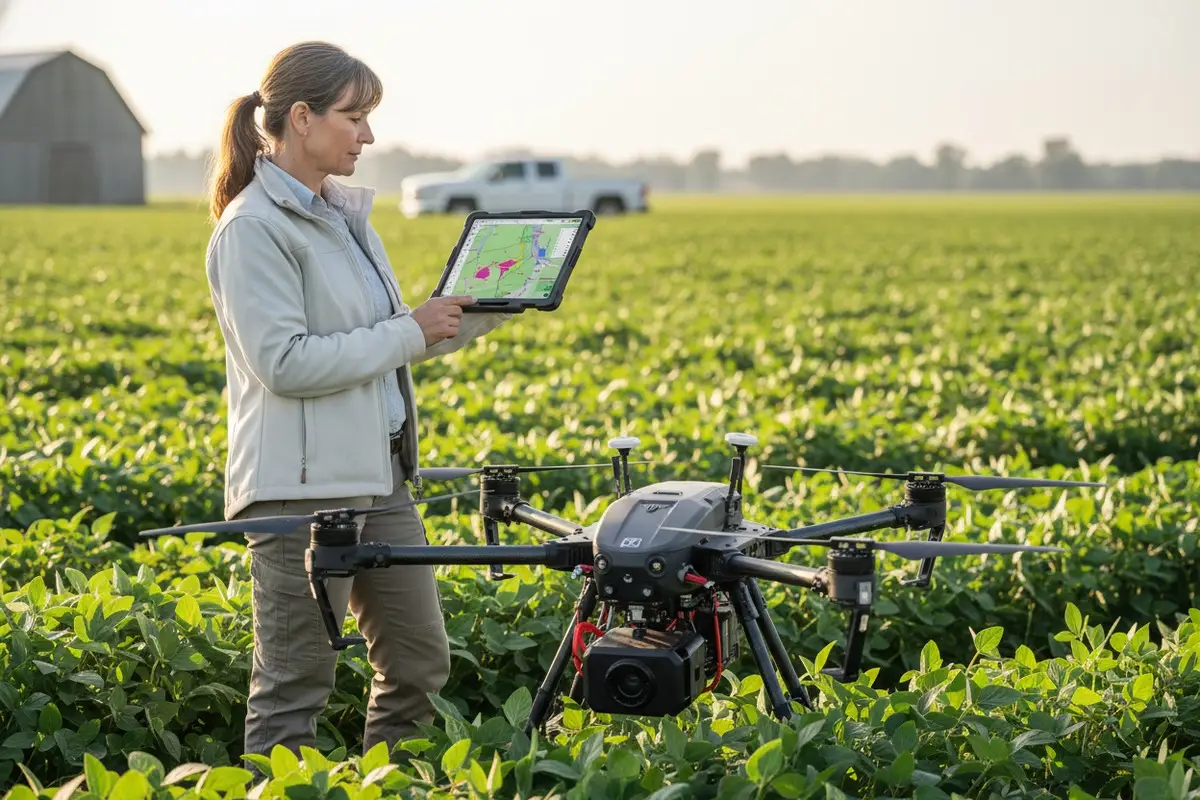

Jede Woche hören wir auf unserer Produktionsfläche die gleiche Sorge von Käufern weltweit. Sie investieren in fortschrittliche Agrardrohnen, nur um festzustellen, dass ihre Datenexporte nicht mit bestehender Farmsoftware kommunizieren können. Diese Frustration kostet Zeit, Geld und Vertrauen.
To evaluate shapefile and data export compatibility, verify the drone exports WGS 84 coordinate system shapefiles, confirm ISOXML support for your equipment brands, test integration with your GIS software through demo flights, and request technical documentation covering all supported export formats and file specifications.
Die folgenden Abschnitte gliedern jeden kritischen Bewertungsschritt. Sie erfahren genau, was Sie die Anbieter fragen, welche Dokumente Sie verlangen und wie Sie die Kompatibilität testen, bevor Sie sich zu einem Kauf verpflichten.
How do I confirm that the drone's Shapefile exports will work seamlessly with my existing farm management software?
Unser Ingenieurteam hat Jahre damit verbracht, Exportprotokolle zu verfeinern, nachdem es Kunden beim Umgang mit inkompatiblen Daten beobachtet hat. Der Schmerz der manuellen Neufomattierung von Dateien oder des Verlusts kritischer Felddaten ist real und vermeidbar.
Bestätigen Sie die nahtlose Shapefile-Kompatibilität, indem Sie die Unterstützung des WGS 84-Koordinatensystems, die Ausgabe von Polygon-Geometrien und die direkte Integration in Ihre spezifische Farmmanagement-Software überprüfen. Fordern Sie einen Demoflug mit Beispiel-Exporten an, die auf Ihrer tatsächlichen GIS-Plattform getestet wurden, bevor Sie kaufen.

Verständnis der Shapefile-Komponenten
Shapefiles bestehen aus mehreren zusammenarbeitenden Dateien. Shapefile-Komponenten 1 Die .shp-Datei enthält Geometriedaten. Die .dbf-Datei enthält Attributinformationen. Beide müssen vorhanden und korrekt formatiert sein, damit Ihre Software sie lesen kann.
Wenn unser Team die Exportkompatibilität testet, prüfen wir zuerst drei Dinge. Gibt die Drohne echte Polygon-Geometrien aus? Einige Systeme exportieren stattdessen Punkte oder Linien. Dies unterbricht die Arbeitsabläufe für Verschreibungskarten vollständig.
Überprüfung des Koordinatensystems
WGS 84 ist der universelle Standard für Agrardrohnen-Shapefiles. Wenn Ihre Drohne in einem anderen Koordinatenreferenzsystem exportiert, kann Ihre Farmmanagement-Software Feldgrenzen am falschen Ort platzieren. Dies verursacht Sprühnebel, verpasste Zonen und verschwendete Betriebsmittel.
| Koordinatensystem | Kompatibilitätsstufe | Häufige Probleme |
|---|---|---|
| WGS 84 | Universell | Keine bei ordnungsgemäßer Implementierung |
| Local projections | Begrenzt | Requires conversion, potential data loss |
| Custom CRS | Schlecht | Manual reprojection needed |
Software Integration Testing Protocol
Before finalizing any purchase, demand a live demonstration. Fly the drone over a test field. Export the shapefile. Import it directly into your existing software. Check that field boundaries align with your baseline maps.
Our customers in the United States often use John Deere Operations Center, Trimble Ag Software, or Climate FieldView. Each platform has specific import requirements. A shapefile that works in one may fail in another without proper formatting.
Multi-Polygon Handling
Large operations often work with multi-polygon files containing dozens of fields. The DJI Agras app, for example, splits these into separate field entries automatically. Verify your drone's software handles this splitting correctly. Otherwise, you may need manual editing for every imported file.
Test with your actual field boundary files. Upload them to the drone via SD card. Check that each polygon imports as a distinct, editable zone. This step prevents headaches during busy spray seasons.
Can I request custom data export protocols to match the specific software needs of my local agricultural customers?
When we work with distributors across Europe and the Americas, customization requests arrive daily. Each market has unique software ecosystems. A one-size-fits-all export rarely satisfies everyone.
Yes, reputable manufacturers offer custom data export protocols through OEM partnerships. Request specific format modifications, API access for deeper integration, and dedicated engineering support to match your local customers' software requirements exactly.
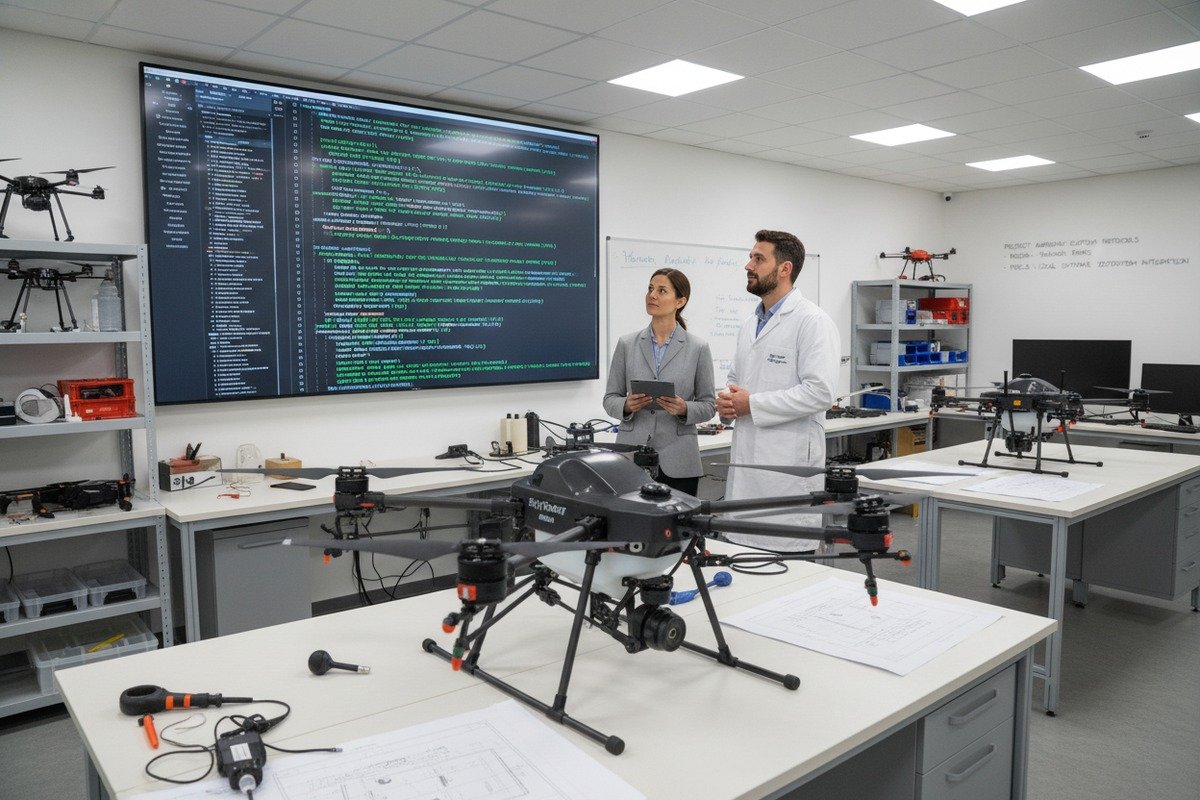
Standard vs. Custom Export Options
Most agricultural drones support standard formats out of the box. Shapefiles, GeoTIFF 4, KML, and CSV cover ninety percent of use cases. But the remaining ten percent often represents your most valuable customers with specialized needs.
| Export Type | Standard Support | Custom Available |
|---|---|---|
| Shapefile (.shp/.dbf) | Ja | Attribute customization |
| ISOXML | Ja | Brand-specific profiles |
| GeoTIFF | Ja | Resolution adjustment |
| Custom API | Variiert | Full integration possible |
| Proprietary formats | Nein | OEM development required |
ISOXML Customization for Equipment Brands
ISOXML follows the ISO 11783 standard 5 for agricultural equipment communication. ISOXML support 6 This format enables your drone data to flow directly into tractors, sprayers, and combines from John Deere, Case IH, New Holland, AGCO, CLAAS, Trimble, Topcon, and Kubota.
Our development team can modify ISOXML output to match specific brand requirements. Some equipment requires particular attribute fields. Others need specific file naming conventions. These details matter when your customers operate mixed fleets.
API and SDK Access
For distributors building integrated solutions, API and SDK access 7 becomes essential. These tools let your software developers pull drone data directly into proprietary platforms. They can automate workflows, customize reports, and create branded user interfaces.
Ask potential suppliers about their developer resources. Do they provide documentation? Is there a sandbox environment for testing? How quickly can they respond to integration issues? These factors determine long-term partnership success.
OEM Branding and Software Modification
Beyond data formats, many manufacturers offer OEM software branding. Your company logo appears in the app interface. Export files carry your naming conventions. This creates a seamless experience for your end customers.
Discuss these options early in negotiations. Custom software development takes time. Plan for a minimum of three to six months from specification to delivery. Rush jobs risk bugs and compatibility failures.
What technical documentation should I ask for to ensure my drone data integrates perfectly with my GIS platforms?
Our export engineering team maintains detailed documentation for every supported format. We learned long ago that undocumented features cause integration nightmares. Your suppliers should provide the same transparency.
Request complete technical documentation including file format specifications, coordinate system details, attribute field definitions, API references, supported software compatibility lists, and sample export files for testing in your GIS platform before purchase.
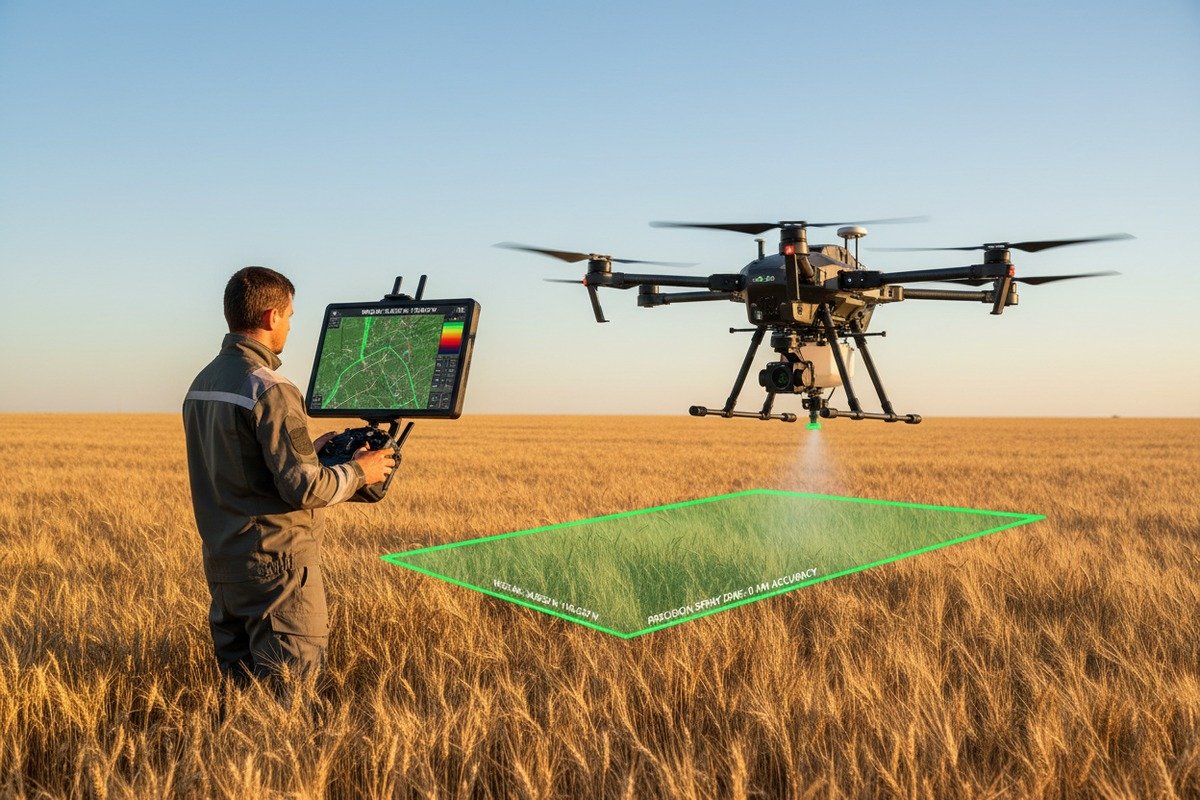
Checkliste für wichtige Unterlagen
Every serious agricultural drone manufacturer should provide comprehensive technical documents. Missing documentation signals potential integration problems and inadequate engineering support.
| Dokumenttyp | Zweck | Rote Flagge bei Fehlen |
|---|---|---|
| Format specification sheets | Details every export field and data type | High risk of compatibility issues |
| Coordinate system declaration | Confirms WGS 84 or other CRS support | Georeferencing failures likely |
| Software compatibility matrix | Lists tested platforms and versions | Unknown integration success rate |
| API-Dokumentation | Enables custom software development | Limited automation capability |
| Sample export files | Allows pre-purchase testing | Vendor may hide problems |
File Format Specification Details
Good documentation describes every field in exported shapefiles. You should know exactly what attributes appear in the .dbf file. Prescription maps need zone identifiers, application rates, and boundary coordinates. Missing fields break downstream processes.
Ask for data dictionaries that define field names, data types, and acceptable value ranges. This information helps your GIS team configure import routines correctly the first time.
GPS and Sensor Specifications
Your drone's GPS accuracy directly affects shapefile quality. Documentation should specify horizontal and vertical accuracy ratings. It should confirm whether GPS data embeds in image EXIF headers or requires separate CSV files.
Some sensors output TIFF files without embedded coordinates. This requires manual CSV matching during processing. Other systems embed everything automatically. Know the difference before you buy.
Software Compatibility Testing Reports
Request documented compatibility testing results for platforms your customers use. Has the manufacturer tested exports in ArcGIS Pro? QGIS? Pix4Dfields? DroneDeploy? Climate FieldView?
Undocumented compatibility means you become the test subject. Your customer complaints become the testing feedback. This is expensive and damaging to your reputation.
Processing Requirements Documentation
High-quality orthomosaics 8 require proper flight parameters. Documentation should specify recommended image overlap percentages, flight altitudes, and resolution targets. General guidelines suggest 70-75% overlap, 60-120 meter altitude, and resolution below 3.5 inches per pixel.
Auch Ihre Verarbeitungssoftware hat Grenzen. ArcGIS Drone2Map akzeptiert Bilder mit bis zu 105 Megapixeln. Projekte erreichen maximal 100 Gigapixel für Standardlizenzen oder 300 Gigapixel für Advanced. Stellen Sie sicher, dass die Ausgabe Ihrer Drohne innerhalb dieser Grenzen bleibt.
How do I evaluate the stability of the data export process to avoid technical failures in my field operations?
Auf unseren Testfeldern in Xi'an setzen wir jede Drohne vor dem Versand rauen Bedingungen aus. Extreme Temperaturen, Vibrationsbelastungen und wiederholte Exportzyklen decken Schwächen auf, die die Zuverlässigkeit im Feld beeinträchtigen.
Evaluate export stability by testing multiple consecutive flights with full data exports, verifying file integrity after each operation, checking SD card reliability under temperature variations, and confirming the drone maintains consistent output quality over extended operational periods.

Stresstestprotokolle
Ein einziger erfolgreicher Export bedeutet nichts. Ihre Feldoperationen erfordern Hunderte von zuverlässigen Zyklen. Testen Sie die Drohne mit wiederholten Flügen über mehrere Tage. Exportieren Sie nach jedem Flug. Überprüfen Sie, ob jede Datei korrekt geöffnet wird.
Achten Sie auf Korruptionsmuster. Einige Drohnen versagen, wenn der Batteriestand unter bestimmte Schwellenwerte fällt. Andere erzeugen unvollständige Dateien, wenn SD-Karten zu über neunzig Prozent gefüllt sind. Identifizieren Sie diese Grenzen, bevor Ihre Kunden sie entdecken.
Zuverlässigkeit von SD-Karten und Speicher
SD-Kartenfehler verursachen die häufigsten Exportprobleme im Feld. Temperaturschwankungen belasten den Flash-Speicher. Billige Karten versagen schneller als hochwertige Alternativen. Schmutz und Feuchtigkeit beschädigen die Kontakte.
| Speicherfaktor | Auswirkung auf die Stabilität | Strategie zur Risikominderung |
|---|---|---|
| Kartenqualität | Direkter Zusammenhang mit der Zuverlässigkeit | Verwenden Sie nur vom Hersteller empfohlene Karten |
| Temperature exposure | Causes write errors | Store cards in climate-controlled cases |
| Fill level | Fragmentation slows writes | Keep below 80% capacity |
| Cycle count | Memory degrades over time | Replace cards on schedule |
GPS Signal Stability
Export accuracy depends on consistent GPS locks during flight. Urban environments with tall structures cause signal reflections. Valleys block satellites. Tree canopy interferes with reception.
Test in conditions matching your customers' actual operating environments. A drone that performs perfectly in open test fields may struggle in real agricultural settings with windbreaks, power lines, and variable terrain.
Software Update Impact Assessment
Firmware updates sometimes break previously working export functions. Before deploying updates across your fleet, test thoroughly on a single unit. Verify that all export formats still function correctly.
Keep rollback procedures documented. If an update causes problems, you need to restore the previous version quickly. Downtime during spray season costs your customers money and damages your reputation.
Faktoren der Umweltdauerhaftigkeit
Agricultural drones face dust, moisture, and chemical exposure constantly. These conditions affect sensor accuracy and data quality over time. Request information about environmental ratings and recommended maintenance schedules.
Our hexacopter drones feature sealed electronics and corrosion-resistant components specifically for these challenges. Ask potential suppliers about their environmental testing procedures and durability certifications.
Schlussfolgerung
Evaluating shapefile and data export compatibility requires systematic verification before purchase. Test coordinate systems, demand complete documentation, verify software integration, and stress-test export stability. These steps protect your investment and ensure reliable field operations.
Fußnoten
1. Details shapefiles as Esri vector data storage format, composed of multiple mandatory files. ︎
2. Defines WGS 84 as a global geodetic reference system for navigation, positioning, and mapping. ︎
3. Describes GIS software as a tool for bringing together maps and data for analysis. ︎
4. Describes GeoTIFF as an interchange format for georeferenced raster imagery, based on TIFF. ︎
5. Explains ISO 11783 as a standardized communication protocol for agricultural and forestry machinery. ︎
6. Explains ISOXML as the data format for data exchange between agricultural machinery and software. ︎
7. Authoritative source (IBM) providing a clear and comprehensive explanation of the difference between API and SDK. ︎
8. Defines an orthomosaic map as a highly accurate, geometrically corrected aerial image from drones. ︎


 English
  Español de México
  Deutsch
  Français
  Русский
  العربية
Comments
No comments yet. Be the first to share your thoughts!
Leave a Comment