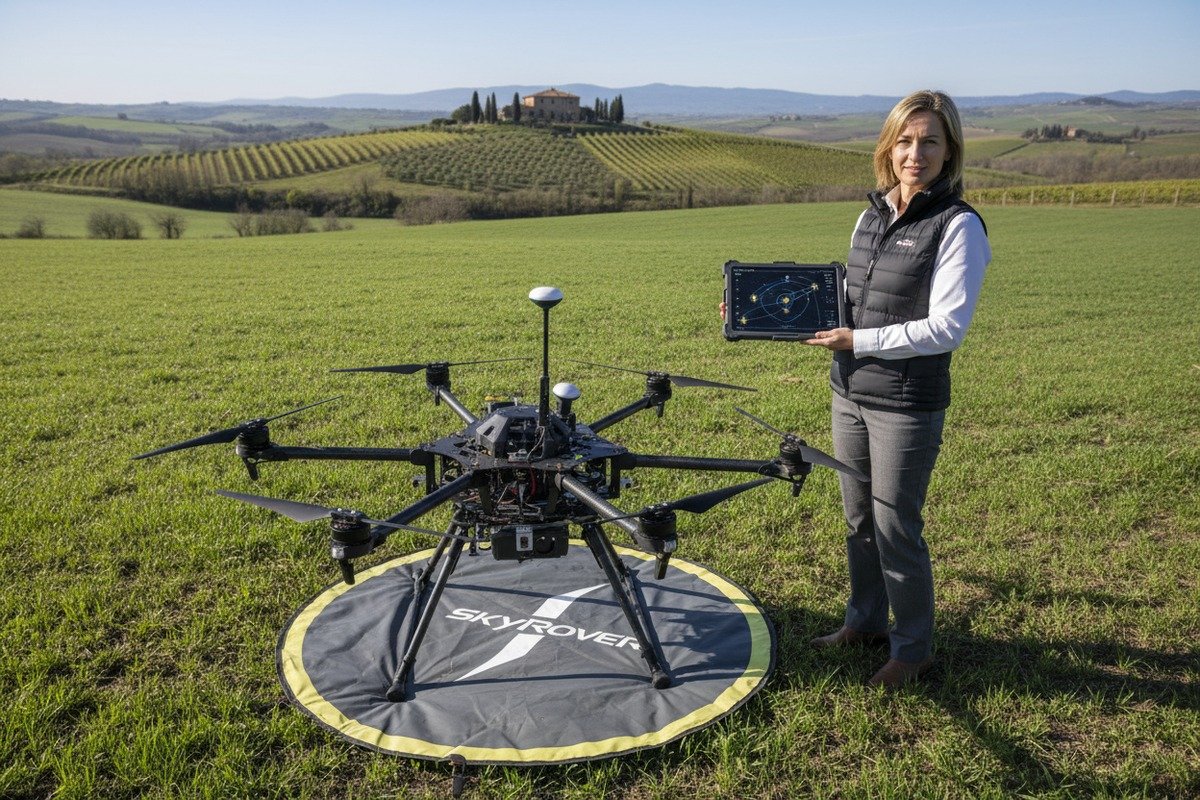
When our engineering team first started shipping agricultural drones to European distributors, RTK compatibility questions flooded our inbox NTRIP protocol compatibility 1. Farmers needed centimeter-level accuracy, but the fragmented European GNSS landscape 2 created confusion.
To evaluate RTK system compatibility for agricultural drones in Europe, verify support for multiple GNSS constellations including Galileo, confirm NTRIP protocol compatibility with regional correction services, check base station integration options, and ensure the manufacturer provides technical support for your specific regional requirements.
This guide walks you through every critical checkpoint RTCM 3.x messages 3. We will cover NTRIP verification, terrain challenges, base station integration, and technical support expectations. Let us dive into what matters most for your precision farming investment.
How can I verify that the drone's RTK module is fully compatible with European NTRIP network providers?
Our production team tests every RTK module against major European NTRIP services before shipping. Yet we still receive questions about compatibility verification. The reality is that not all RTK systems work seamlessly with every European network provider.
To verify NTRIP compatibility, request documentation showing the drone supports NTRIP 1.0/2.0 protocols, confirm multi-constellation tracking (GPS, GLONASS, Galileo, BeiDou), and conduct field tests with your specific regional NTRIP provider before purchase to ensure stable correction data reception.
Understanding NTRIP Protocol Requirements
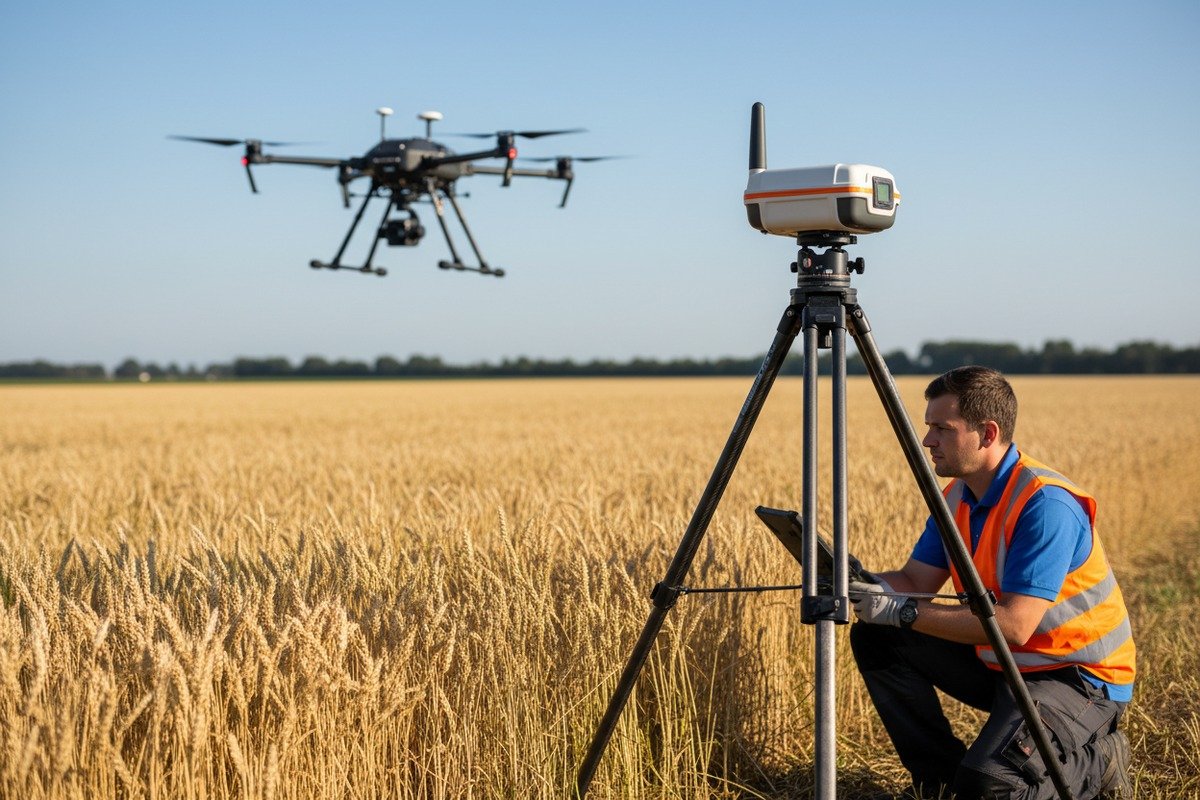
NTRIP stands for Networked Transport of RTCM via Internet Protocol 4. This system delivers correction data from base stations to your drone through cellular or internet connections. European NTRIP providers use standard protocols, but implementation varies.
When we calibrate our flight controllers, we ensure compatibility with both NTRIP 1.0 and 2.0 versions. The newer 2.0 version offers better security and authentication. However, some older networks still run 1.0. Your drone must support both.
Wichtigste Überprüfungsschritte
First, obtain the technical specifications sheet from the manufacturer. Look for explicit NTRIP protocol support statements. Second, request a list of tested European NTRIP providers. Third, ask for demo access or trial periods to test real-world performance.
| Verification Item | Was ist zu prüfen? | Rote Fahnen |
|---|---|---|
| Protocol Support | NTRIP 1.0 and 2.0 | Only supports proprietary protocols |
| GNSS Constellations | GPS, GLONASS, Galileo, BeiDou 5 | Limited to GPS only |
| Datenformat | RTCM 3.x messages | Outdated RTCM 2.x only |
| Authentifizierung | Username/password, TLS encryption | No security features |
| Mountpoint Selection | Manual and automatic | Fixed mountpoint only |
European NTRIP Provider Landscape
Major European countries operate national NTRIP networks. Germany has SAPOS, France has RGP, and the Netherlands has NETPOS. These networks cover most agricultural regions. Cross-border operations require access to multiple networks or pan-European services like HxGN SmartNet.
Our experience exporting to European markets shows that cellular connectivity remains the biggest variable. Rural agricultural areas sometimes lack reliable 4G coverage. In these cases, consider drones that support both network RTK and local base station fallback.
Testing Before Purchase
Request a field demonstration in conditions similar to your operational environment. Test during different times of day. Monitor the time to first fix and solution stability. A quality RTK system should achieve centimeter-level accuracy 6 within 30 seconds of initialization.
What steps should I take to ensure the RTK system maintains centimeter-level precision across diverse European terrains?
In our factory testing facilities, we simulate various terrain conditions. But European agricultural landscapes present unique challenges. From Dutch flatlands to French hillside vineyards, each terrain type affects RTK performance differently.
To maintain centimeter-level precision across European terrains, select RTK systems with tilt compensation, use multi-frequency receivers tracking L1/L2/L5 bands, position base stations on stable ground away from reflective surfaces, and configure appropriate elevation masks for your specific terrain profile.

Terrain Challenges and Solutions
Flat terrain like the Netherlands and northern Germany provides ideal RTK conditions. Signal reception remains consistent. However, hilly regions in southern France or the Alps create multipath interference. Signals bounce off slopes and structures, causing position errors.
Multi-frequency receivers 7 solve many terrain challenges. They track multiple signal bands simultaneously. When one band experiences interference, others maintain accuracy. Our engineers have found that L5-band tracking particularly improves performance in challenging environments.
Base Station Placement Guidelines
Proper base station setup directly impacts rover accuracy. The base needs clear sky visibility. Position it away from buildings, water bodies, and metal structures. Allow 2-3 minutes for initialization before starting operations.
| Terrain Type | Recommended Setup | Elevation Mask | Expected Accuracy |
|---|---|---|---|
| Flat agricultural land | Standard base placement | 10-15 Grad | 1-2 cm |
| Rolling hills | Elevated base position | 15-20 degrees | 2-3 cm |
| Valley operations | Multiple base stations | 20-25 degrees | 2-4 cm |
| Near forests | Clear area base, higher mask | 25-30 degrees | 3-5 cm |
Environmental Factors
Temperature extremes affect RTK hardware. European summers can exceed 35°C in southern regions. Winter operations in Scandinavia face sub-zero temperatures. Quality RTK systems operate reliably from -20°C to +65°C. Check these specifications before purchasing.
Rain and humidity also impact performance. Water on antennas can degrade signal quality. Look for IP-rated enclosures on both base stations and rover receivers. Our agricultural drones feature weather-sealed RTK modules for year-round operation.
Tilt Compensation Technology
Modern RTK systems include tilt compensation. This feature maintains accuracy even when the drone or survey pole tilts. Without it, a 10-degree tilt can introduce 15+ cm horizontal error. For agricultural applications involving uneven terrain, tilt compensation is essential.
Some manufacturers offer IMU-based tilt compensation. Others use multi-antenna solutions. Both approaches work. The key is verifying the compensation accuracy specification—look for systems maintaining 2-3 cm accuracy at tilts up to 30 degrees.
Can I integrate my existing local base stations with the RTK software provided by the manufacturer?
When we develop our RTK software interfaces, backward compatibility remains a priority. Many European farmers already own base station equipment from previous investments. The question of integration comes up in nearly every technical consultation.
Integration of existing base stations depends on protocol compatibility. Most modern agricultural drone RTK systems accept standard RTCM 3.x correction formats via serial, Bluetooth, or network connections. Verify your base station outputs these formats and request integration testing from the manufacturer before purchase.

Common Base Station Brands in Europe
European agricultural operations commonly use equipment from Trimble, Leica, Topcon, and Emlid. Each manufacturer uses slightly different data formats and connection methods. However, RTCM 3.x has become the universal standard for correction data.
Our software development team designs interfaces to accept correction data from any RTCM-compliant source. This includes established brands like Trimble R10 and newer options like Emlid Reach RS2+. The connection method varies, but the underlying data format remains consistent.
Integration Methods
Three primary methods exist for connecting external base stations to drone RTK systems:
| Connection Method | Advantages | Limitations | Am besten für |
|---|---|---|---|
| Serial/RS232 | Universal compatibility | Short cable range | Static base nearby |
| Bluetooth | Wireless convenience | 10-100m range limit | Portable operations |
| Network/NTRIP | Unlimited range | Requires internet | Large farm coverage |
Serial connections offer the most reliable integration. Connect your base station's serial output to the drone's ground station. Configure matching baud rates and data formats. This method works even without cellular coverage.
Software Configuration Steps
First, identify your base station's output capabilities. Check the manual for supported RTCM message types. Common messages include 1004, 1005, 1006, 1012, and 1033. The drone's RTK software needs these specific messages for full functionality.
Second, configure the connection parameters. Set the correct COM port, baud rate, and parity settings. Most systems use 115200 baud with no parity. Test the connection before field operations.
Third, verify coordinate reference system alignment. European surveys often use ETRS89, while many drone systems default to WGS84. The difference is small but can cause 50+ cm errors if not corrected. Our software includes coordinate transformation tools for common European reference systems.
Troubleshooting Common Issues
Data latency causes the most integration problems. Correction data older than 2 seconds degrades accuracy. Check cable quality and reduce wireless interference. Position the ground station closer to the base station output if using radio links.
Message format mismatches also occur frequently. Some older base stations output RTCM 2.x format. This older format lacks the precision of RTCM 3.x. If your base station only supports 2.x, consider firmware upgrades or budget for replacement equipment.
How will your technical team assist me in configuring the RTK settings for my specific regional GNSS requirements?
Our customer support team handles RTK configuration requests daily. European customers face unique challenges with regional GNSS requirements. From country-specific coordinate systems to varying satellite visibility, proper configuration makes the difference between success and frustration.
A manufacturer's technical team should provide pre-delivery configuration based on your location, remote screen-sharing support for initial setup, documentation for regional GNSS settings, and ongoing assistance for firmware updates. Request specific commitments on response times and support availability before purchasing.
Pre-Delivery Configuration Services
Before shipping agricultural drones to European customers, our team configures regional settings. This includes selecting appropriate satellite constellations, setting elevation masks for local conditions, and pre-loading coordinate system transformations.
For German customers, we configure SAPOS network parameters. French deliveries include RGP network settings. This pre-configuration reduces setup time from hours to minutes. Ask prospective suppliers what regional pre-configuration they offer.
Remote Support Capabilities
Modern technical support extends beyond email and phone. Screen-sharing sessions allow our engineers to directly view customer systems. We can identify configuration errors immediately rather than troubleshooting blind.
| Art der Unterstützung | Reaktionszeit | Am besten für | Limitations |
|---|---|---|---|
| Email support | 24-48 Stunden | Non-urgent questions | Slow for complex issues |
| Phone support | Unmittelbar | Quick clarifications | Hard to explain visual issues |
| Screen-sharing | Scheduled within 24h | Configuration problems | Requires internet connection |
| On-site visit | 3-7 days | Hardware issues | Higher cost, scheduling delays |
| Video-Tutorials | Instant access | Common procedures | Not customized to situation |
Regional GNSS Considerations
Europe benefits from the Galileo satellite constellation 8. Galileo provides additional satellites for improved accuracy and coverage. However, proper configuration is essential. The drone must be set to track Galileo signals alongside GPS and GLONASS.
Some European regions experience better coverage from specific constellations. Northern Scandinavia sees better GLONASS coverage due to satellite orbital inclinations. Mediterranean regions benefit from Galileo. Our technical team advises on optimal constellation settings for each operational area.
Firmware and Software Updates
GNSS constellations evolve continuously. New satellites launch regularly. Firmware updates incorporate these changes. A good manufacturer provides regular updates and clear instructions for installation.
Ask suppliers about their update frequency and delivery method. Over-the-air updates simplify the process. Manual firmware loading requires technical skill. Understand what level of ongoing support you can expect before committing to a purchase.
Documentation and Training Resources
Comprehensive documentation prevents most support requests. Request sample documentation before purchase. Look for step-by-step setup guides, troubleshooting flowcharts, and video tutorials. Documentation should cover your specific regional requirements, not just generic global settings.
Training options vary between manufacturers. Some offer online courses. Others provide on-site training for larger orders. Factor training costs and availability into your total purchase decision. Well-trained operators achieve better results and require less ongoing support.
Evaluating Manufacturer Support Quality
Before purchasing, test the support system. Send technical questions via their standard channels. Measure response time and answer quality. This preview indicates what post-purchase support will look like.
Request references from existing European customers. Ask specifically about support experiences. Did the manufacturer resolve issues quickly? Were they available during critical farming seasons? These firsthand accounts reveal more than marketing promises.
Schlussfolgerung
Evaluating RTK system compatibility requires careful attention to NTRIP protocols, terrain adaptability, base station integration, and technical support availability. European agricultural operations demand reliable centimeter-level precision across diverse conditions. Take time to verify compatibility, test before purchase, and choose manufacturers who provide comprehensive regional support.
Fußnoten
1. RTCM is the organization that defines the NTRIP protocol standard. ︎
2. EUSPA is the official European Union agency for GNSS, providing an overview. ︎
3. Explains RTCM and highlights the importance of RTCM 3.x messages from a reputable industry source. ︎
4. Wikipedia provides a clear and concise definition of the NTRIP protocol. ︎
5. Comprehensive overview and comparison of major GNSS constellations. ︎
6. Trimble, a leader in precision agriculture, explains RTK and its accuracy. ︎
7. UNAVCO, a geodetic research consortium, explains the advantages of multi-frequency receivers. ︎
8. Wikipedia provides a comprehensive overview of the Galileo satellite navigation system. ︎

 English
  Spanish
  German
  French
  Dutch
Dutch  Arabic
