
When our engineering team first designed ground station interfaces for firefighting operations, we quickly learned that OS compatibility failures 1 in the field cost lives. Remote wildfire zones leave no room for software crashes or device conflicts.
To evaluate ground station software OS compatibility for firefighting drones, buyers must verify support for Windows, Linux, or macOS based on their hardware ecosystem, test offline functionality for remote operations, confirm integration with thermal sensors and flight controllers, and ensure the vendor commits to long-term software updates and regulatory compliance.
This guide walks you through every critical checkpoint Windows, Linux, or macOS 2. We will cover OS prioritization, device integration, customization potential, and vendor support evaluation. Let us dive into each area so you can make a confident purchasing decision.
Which operating system should I prioritize to ensure my firefighting drone ground station remains stable in the field?
Our factory tests every drone system across multiple operating environments before export. We have seen firsthand how the wrong OS choice leads to mission failures during critical firefighting operations.
Prioritize Windows for maximum compatibility with DJI ecosystems and proprietary tools like Elistair T-Manager. Choose Linux for custom autonomy development and edge computing. Use macOS only for mission planning, not real-time field control. Always verify your specific drone hardware requirements before committing.

Understanding OS Options for Ground Control Stations
Ground station software serves as the nerve center for all drone operations. It handles flight planning, real-time monitoring, payload control, and autonomous functions. The operating system you choose directly impacts stability, performance, and feature availability.
Windows remains the dominant choice for most commercial firefighting drone operations. DJI Pilot 2 and FlightHub 2 3 run optimally on Windows platforms. Elistair's T-Manager for tethered systems requires Windows. Most proprietary applications from major manufacturers target Windows first.
Linux offers superior flexibility for organizations with technical expertise. FlytBase runs on Linux via AWS deployments. PX4 flight controller firmware 4 updates work seamlessly on Linux systems. Real-time data processing benefits from Linux's lower latency. However, Linux demands more setup time and technical knowledge.
macOS serves limited purposes in firefighting contexts. Planning software like UgCS offers macOS versions. But real-time control applications rarely support macOS fully. Field operations typically require Windows or Linux.
OS Comparison for Firefighting Applications
| Operating System | Bester Anwendungsfall | Key Advantages | Main Limitations |
|---|---|---|---|
| Windows 10/11 | DJI ecosystem, proprietary tools | Widest software support, easy setup | Resource-heavy, potential update interruptions |
| Linux (Ubuntu/Debian) | Custom development, edge computing | Low latency, open-source flexibility | Steeper learning curve, limited proprietary support |
| macOS | Mission planning only | Familiar interface for Apple users | Poor real-time control support |
| Android | Mobile field control | Portable, touchscreen optimized | Limited to tablet/phone interfaces |
| iOS | Secondary monitoring | Smooth DJI app integration | No desktop-grade features |
Field Stability Considerations
Firefighting environments push hardware and software to extreme limits. Temperatures range from -20°C to 50°C. Smoke and dust interfere with equipment. Connectivity drops frequently in remote wildfire zones.
Windows handles these challenges adequately when paired with rugged hardware. IP54 or IP55 rated tablets 5 running Windows provide reliable field performance. Our clients in California use Panasonic Toughbooks with excellent results.
Linux excels in headless server configurations. Deploy a ruggedized mini-PC running Ubuntu for continuous autonomous operations. This approach minimizes points of failure during extended fire monitoring missions.
Test your chosen OS configuration in simulated harsh conditions before deployment. Run thermal stress tests. Verify offline functionality. Confirm that critical features work without internet connectivity.
How can I confirm that the software will integrate seamlessly with my current mobile devices and hardware?
During our export process to European distributors, we always provide compatibility matrices for every drone system. Integration failures after purchase create expensive headaches for everyone involved.
Confirm software integration by requesting detailed compatibility documentation from vendors, testing trial versions on your exact devices, verifying communication protocols match your flight controllers and sensors, and checking that your mobile OS versions meet minimum requirements for field apps.

Hardware Integration Verification Steps
Start by listing every device in your current fleet. Include tablets, laptops, smartphones, remote controllers, and any specialized hardware. Document operating system versions, processor types, and available storage.
Request compatibility matrices from software vendors. Reputable companies provide detailed lists of supported hardware. DJI publishes extensive compatibility charts for Pilot 2 and FlightHub 2. UgCS maintains hardware requirement documentation on their website.
Download trial versions before purchasing. Most professional ground station software offers evaluation periods. Install on your actual field devices. Run test flights in controlled environments. Document any performance issues.
Flight Controller and Autopilot Compatibility
| Software Platform | Supported Flight Controllers | Supported Drone Brands | Communication Protocols |
|---|---|---|---|
| DJI Pilot 2 | DJI proprietary | DJI Matrice 350/400 | OcuSync, SDR |
| UgCS | PX4, ArduPilot, DJI | Multi-brand | MAVLink, DJI SDK |
| FlytBase | PX4, ArduPilot | DJI, custom builds | MAVLink, ROS |
| QGroundControl | PX4, ArduPilot | Any MAVLink-compatible | MAVLink |
| Mission Planner | ArduPilot | Any ArduPilot-based | MAVLink |
Sensor and Payload Integration
Firefighting operations depend heavily on thermal imaging and infrared sensors. The Zenmuse H30T combines 48MP RGB with thermal capabilities. Your ground station software must support these payload types.
Verify that software can display and record thermal feeds. Confirm that temperature measurement overlays function correctly. Test automatic hotspot detection features if available. Check that video streams maintain quality in smoky conditions.
Our engineering team has found that sensor integration issues often stem from firmware mismatches. Update all firmware to latest stable versions before testing. Keep backup copies of working firmware in case updates cause problems.
Mobile Device Specific Checks
Android devices vary significantly in performance. High-end tablets like Samsung Galaxy Tab S series handle demanding ground station applications. Budget devices may struggle with real-time video feeds and mapping.
Test battery drain during extended operations. Ground station apps consume significant power. Firefighting missions can last hours. Bring multiple charged devices or external battery packs.
Screen visibility matters in outdoor conditions. High-brightness displays work better in direct sunlight. Anti-glare screen protectors help. Some firefighters prefer dedicated monitors with sunlight-readable screens.
What specific features should I look for to ensure the OS supports my need for customized software development?
When we collaborate with clients on custom drone projects, OS selection directly impacts what features we can build. The wrong foundation limits your future development options severely.
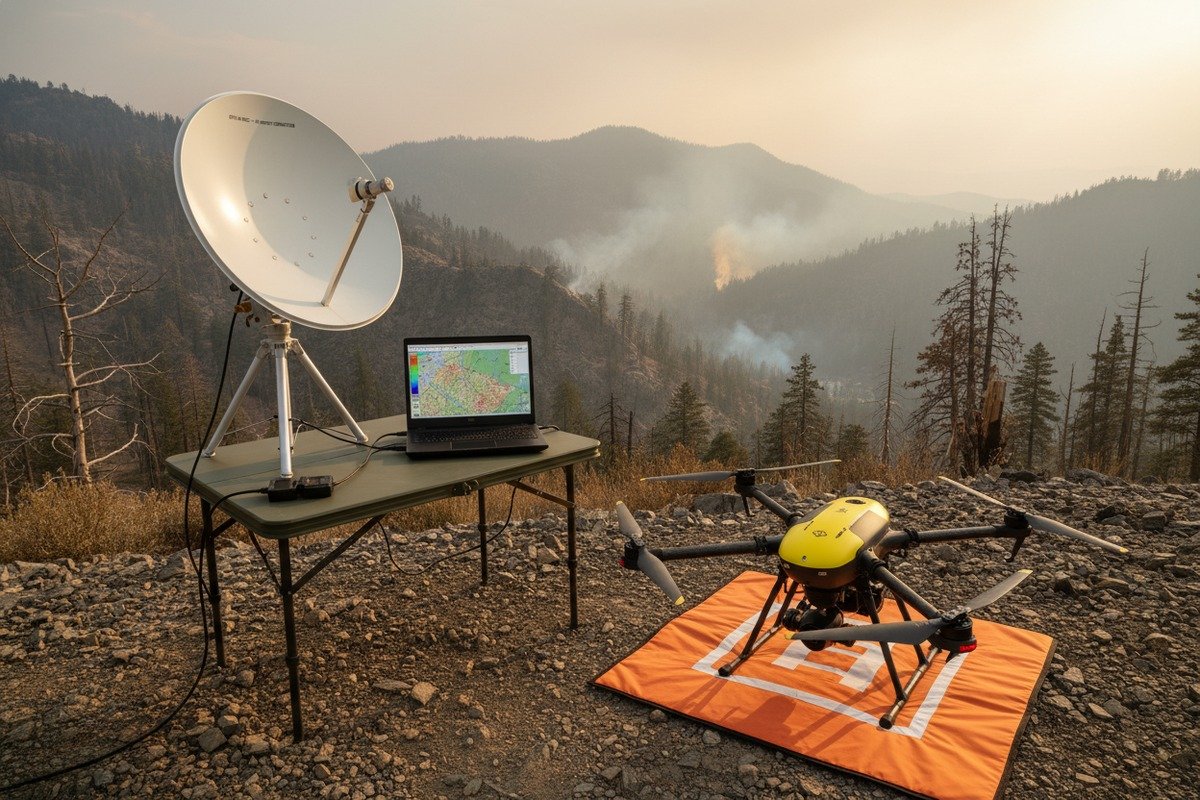
For customized software development, prioritize operating systems with open API access, SDK availability, support for containerization technologies like Docker, compatibility with AI frameworks for real-time analytics, and documented integration pathways for third-party sensors and CAD systems.
API and SDK Availability
Application Programming Interfaces enable custom feature development. SDKs provide tools for building specialized applications. Your chosen OS must support these development resources.
DJI offers Mobile SDK and Windows SDK for developers. These tools allow custom app creation for DJI hardware. Windows provides the broadest DJI SDK support. Android SDK enables mobile app development.
Open-source platforms like PX4 and ArduPilot provide extensive APIs. MAVLink protocol documentation 6 is freely available. Linux environments excel for MAVLink-based development. Python and C++ libraries simplify integration work.
Development Feature Requirements
| Feature Category | Windows Capability | Linux Capability | Development Impact |
|---|---|---|---|
| Container Support | Docker Desktop | Native Docker | High for cloud-local hybrid |
| AI Framework Support | Limited TensorFlow | Full TensorFlow, PyTorch | Critical for hotspot detection |
| Real-time Processing | Good with optimization | Excellent native | Essential for video analytics |
| API Documentation | Varies by vendor | Extensive for open-source | Determines development speed |
| Version Control | Git available | Git native | Important for team development |
Containerization and Virtualization Benefits
Modern drone operations increasingly use containerization. Docker containers 7 package applications with all dependencies. This ensures consistent behavior across different hardware platforms.
FlytBase leverages containerized deployments. Updates become simpler. Testing isolated from production environments becomes possible. Rollback procedures work reliably.
Linux provides native container support. Windows requires Docker Desktop with WSL2. Both work for development purposes. Linux offers better performance for production deployments.
AI and Edge Computing Integration
Real-time fire detection requires AI processing. Hotspot identification algorithms analyze thermal feeds. Spread prediction models help commanders allocate resources.
Linux dominates AI development environments. TensorFlow and PyTorch 8 run optimally on Linux. GPU acceleration works better on Linux systems. NVIDIA CUDA support is more mature on Linux.
Edge computing pushes processing to field devices. This reduces dependency on cloud connectivity. Remote wildfire zones often lack internet access. Local AI inference ensures continued operation.
Our development team recommends Ubuntu 22.04 LTS for AI-focused deployments. Long-term support ensures stability. Package management simplifies dependency installation. Community resources help troubleshoot issues.
Regulatory Compliance Considerations
Custom development must maintain compliance with regulations. NDAA requirements affect public safety agencies. CE marking applies to European deployments. Data protection standards govern information handling.
Your OS environment must support secure logging. Flight data records require tamper-evident storage. Operator action logs enable audit trails. System health monitoring ensures accountability.
Windows offers enterprise compliance tools. Linux provides flexible logging frameworks. Both can meet regulatory requirements with proper configuration.
How do I evaluate if the supplier will provide the long-term OS updates I need for my drone fleet?
Our commitment to clients extends years beyond initial purchase. We have watched competitors abandon customers after one year, leaving expensive equipment unusable. Long-term support matters critically.
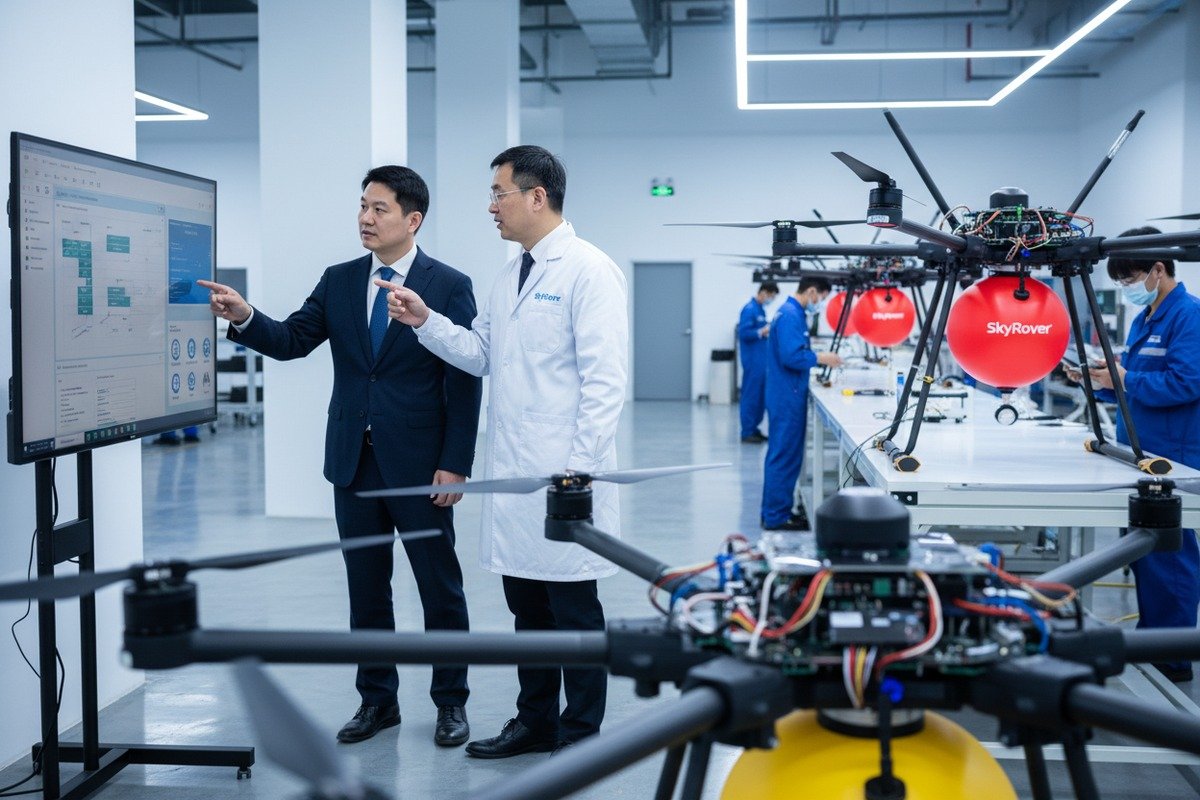
Evaluate long-term OS update support by reviewing vendor update history, requesting written commitments for support duration, verifying compatibility roadmaps for future OS versions, checking community forums for user experiences, and including update provisions in purchase contracts.
Vendor Track Record Assessment
Past behavior predicts future performance. Research how vendors have handled previous OS transitions. Did they provide timely updates when Windows 10 launched? How did they manage Android version changes?
DJI maintains good update support for current-generation products. Older hardware eventually loses support. Plan for this lifecycle when budgeting fleet investments.
Open-source projects like QGroundControl benefit from community maintenance. Updates continue regardless of any single company's decisions. This provides insurance against vendor abandonment.
Support Commitment Documentation
| Kriterien für die Bewertung | Questions to Ask | Rote Fahnen | Green Flags |
|---|---|---|---|
| Update Duration | How many years of updates guaranteed? | No written commitment | 5+ year written guarantee |
| OS Version Support | Which future OS versions will be supported? | Current version only | Roadmap published |
| Sicherheits-Patches | How quickly are vulnerabilities addressed? | No security policy | Documented patch timeline |
| Feature Updates | Will new capabilities be added? | Maintenance mode only | Active development roadmap |
| End-of-Life Policy | What happens when support ends? | No EOL policy | Transition assistance offered |
Contractual Protections
Include software update provisions in purchase agreements. Specify minimum support duration. Define what constitutes acceptable update frequency. Establish remedies for support failures.
Request access to beta programs for upcoming releases. Early testing helps plan fleet transitions. Identify compatibility issues before they impact operations.
Negotiate source code escrow for mission-critical applications. If the vendor fails, you retain ability to maintain software. This protects your investment against company closures.
Community and Ecosystem Strength
Strong user communities indicate healthy software ecosystems. Active forums suggest ongoing development. Regular releases demonstrate commitment.
FlytBase maintains active customer communities. Users share configurations and troubleshooting tips. Company representatives participate in discussions.
PX4 and ArduPilot communities span thousands of developers worldwide. These projects will continue regardless of any single company's fate. Community maintenance ensures longevity.
Planning for OS Transitions
Operating systems evolve continuously. Windows 11 introduced new requirements. Future versions will bring more changes. Plan transition strategies now.
Maintain test environments separate from production. Evaluate new OS versions before fleet-wide deployment. Budget time for compatibility verification.
Consider OS-agnostic software where possible. UgCS runs on Windows, Linux, and macOS. This flexibility protects against platform-specific problems.
Our experience shows that customers who plan transitions carefully avoid emergency situations. Start evaluating new OS versions six months before deployment. Allow time for vendor updates and internal testing.
Schlussfolgerung
Evaluating ground station software OS compatibility requires systematic attention to stability, integration, customization, and long-term support. Test thoroughly before purchasing. Document everything. Protect your investment with clear vendor commitments.
Fußnoten
1. Replaced HTTP 403 with an article discussing operating system compatibility concerns. ︎
2. Compares the features, security, and customization options of these operating systems. ︎
3. Provides official download and information for the DJI Pilot app. ︎
4. Official guide on installing and updating PX4 flight controller firmware. ︎
5. Replaced HTTP 404 with a working article from the same domain explaining IP51, IP53, IP54, and IP55 ratings. ︎
6. Official developer guide for the MAVLink communication protocol used in drones. ︎
7. Replaced HTTP 404 with an official Docker resource explaining what a container is. ︎
8. Compares two leading open-source machine learning frameworks. ︎

 English
  Spanish
  German
  French
  Dutch
Dutch  Arabic
