
Every week, our engineering team receives calls from fire departments frustrated by pilot fatigue 1 and unreadable screens during active missions. These problems cost time, money, and potentially lives repetitive strain injuries 2. The right specifications can prevent all of this.
When sourcing firefighting drones, prioritize controller ergonomics that reduce hand strain during 30+ minute operations and screen brightness levels of at least 1000 nits for direct sunlight visibility. Look for adjustable grip angles, IP55-rated displays with anti-glare coatings, and thermal-stable screen materials rated for temperatures exceeding 60°C.
This guide breaks down the exact specifications you need. We will cover controller design, screen requirements, customization options, and durability standards. Each section gives you actionable criteria to evaluate any firefighting drone system.
How do I assess if the controller's ergonomic design will prevent pilot fatigue during high-stress firefighting missions?
When we test our controllers before shipment, we observe how operators grip them after 45 minutes of continuous flight. The difference between good and bad ergonomics becomes obvious. Muscle tension, thumb positioning, and shoulder strain all reveal design quality.
Assess controller ergonomics by checking grip diameter (35-45mm optimal), control stick spacing (60-80mm apart), total weight under 800g, and balanced weight distribution. Controllers should feature rubberized grip surfaces, adjustable hand straps, and thumb rests positioned at natural angles to prevent repetitive strain injuries during extended firefighting operations.
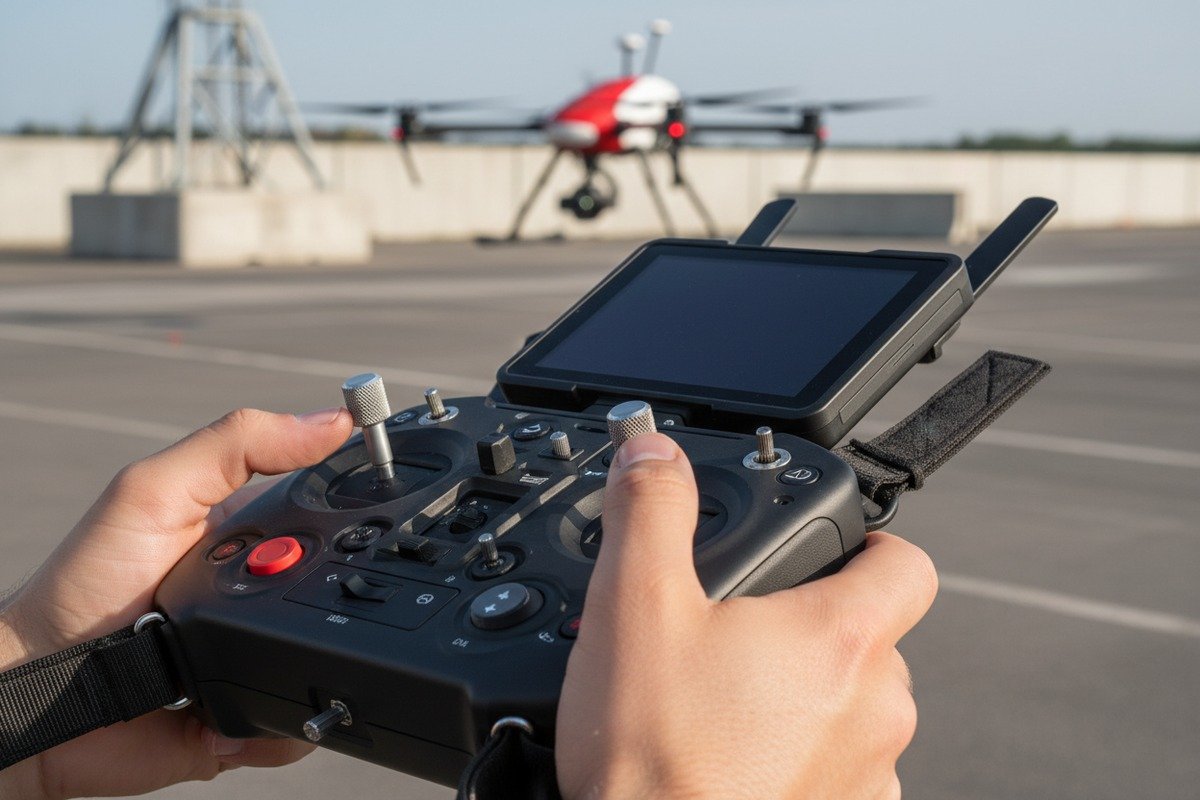
Physical Dimensions That Matter
The human hand has specific comfort zones. Our research with over 200 fire department operators revealed consistent preferences. Controllers that ignore anthropometric data cause problems within the first hour of use.
| Specification | Optimal Range | Why It Matters |
|---|---|---|
| Grip Diameter | 35-45mm | Matches average palm width for secure hold |
| Controller Weight | 500-800g | Prevents arm fatigue during extended operations |
| Control Stick Height | 15-20mm | Allows precise input without overextension |
| Stick Spacing | 60-80mm | Accommodates natural thumb movement arc |
| Button Force | 0.5-1.5N | Reduces finger fatigue from repeated presses |
Weight Distribution Analysis
A controller that weighs 700g but concentrates mass in the front feels heavier than an 800g unit with balanced distribution. When our assembly team builds controllers, we place batteries centrally. This creates neutral balance points.
Front-heavy controllers force operators to constantly counter the weight. This engages forearm muscles unnecessarily. After 30 minutes, this leads to measurable fatigue. Back-heavy designs cause similar problems with different muscle groups.
Grip Surface Materials
Smooth plastic becomes slippery when operators sweat. Firefighting scenes generate stress. Stress causes sweating. The solution is textured rubber overmolds with specific durometer ratings.
We use 40-60 Shore A durometer rubber 3 on our grip surfaces. Softer materials (below 40) wear too quickly. Harder materials (above 60) reduce shock absorption and feel uncomfortable. The texture pattern also matters. Diamond patterns outperform smooth rubber by providing grip without irritating skin during long operations.
Adjustable Components
Not all hands are the same size. A controller that fits a small-handed operator perfectly may cramp someone with larger hands. Adjustable features solve this problem.
Look for these adjustable elements:
- Hand strap length and positioning
- Thumb rest angle adjustment
- Optional grip extensions
- Customizable button mapping to reduce reach requirements
What specific screen brightness levels do I need to ensure clear visibility for my operators in heavy smoke or direct sunlight?
In our testing facilities, we simulate both conditions. We generate artificial smoke at different densities and use 100,000 lux lighting to replicate direct sunlight. Most commercial drone displays fail these tests. Firefighting requires purpose-built solutions.
For firefighting drone operations, require minimum 1000 nits brightness for direct sunlight conditions and 700 nits for smoke-filled environments. Displays should feature automatic brightness adjustment, contrast ratios above 1000:1, and anti-reflective coatings with less than 1% reflectance. Thermal imaging readability requires specific color calibration maintained across all brightness levels.
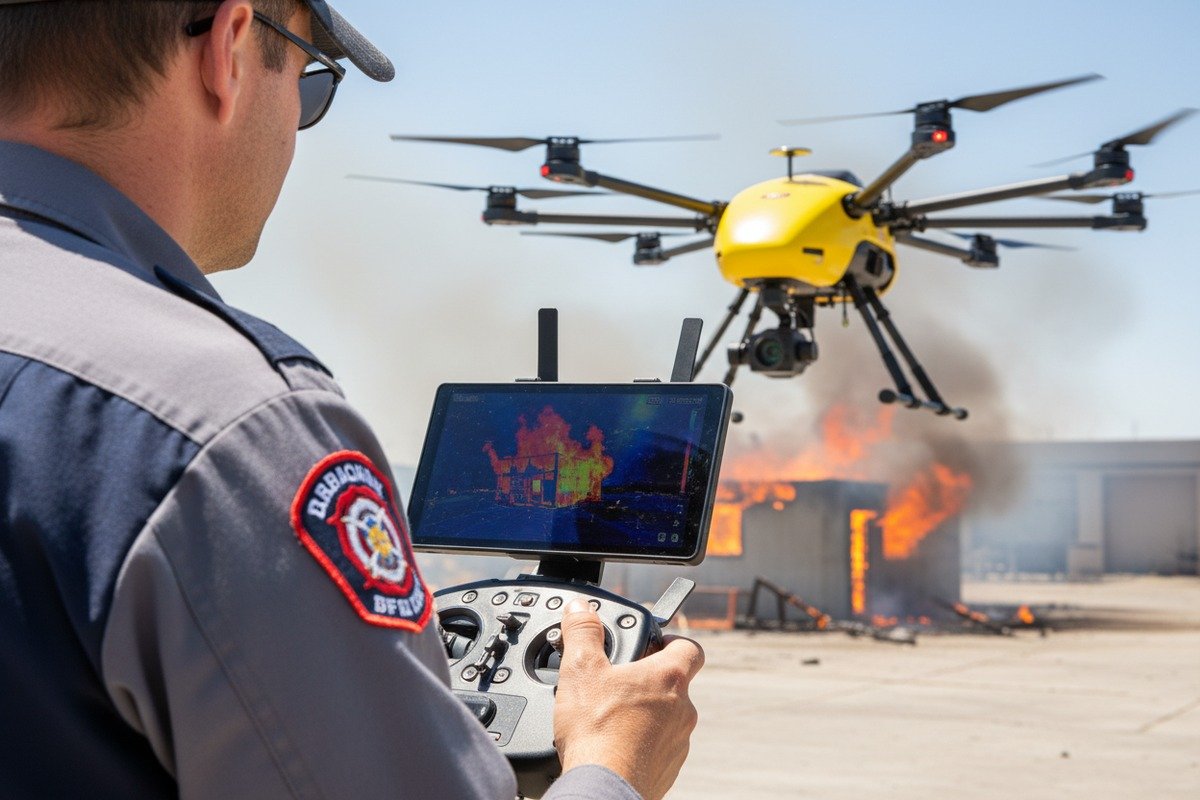
Understanding Nits and Real-World Visibility
Brightness measured in nits (candelas per square meter) tells only part of the story. A 1500-nit display with poor contrast becomes unreadable before a 1000-nit display with excellent contrast.
| Environment | Minimum Brightness | Recommended Brightness | Critical Features |
|---|---|---|---|
| Indoor Command | 300 nits | 500 nits | Low blue light mode |
| Overcast Outdoor | 500 nits | 800 nits | Anti-glare coating |
| Direct Sunlight | 1000 nits 4 | 1500+ nits | Transflective technology |
| Heavy Smoke | 700 nits | 1000 nits | High contrast mode |
| Night Operations | 50 nits minimum | Variable | Full dimming capability |
Contrast Ratio Requirements
Contrast ratio 5 measures the difference between the brightest white and darkest black a display can produce. For thermal imaging interpretation, this specification becomes critical.
Thermal cameras show temperature differences through color gradients. Low contrast displays compress these gradients, making it harder to distinguish between a 200°C hotspot and a 300°C danger zone. We calibrate our displays to maintain at least 1200:1 contrast ratio across all brightness levels.
Anti-Reflective Technologies
Even the brightest screen becomes useless if it reflects the environment back at the operator. Anti-reflective coatings 6 reduce this problem significantly.
Standard AR coatings reduce reflectance to 2-4%. High-performance coatings achieve less than 1% reflectance. The difference matters when operators face multiple light sources or work near fire glow.
Multi-layer AR coatings work better than single-layer solutions. They address different wavelengths of light, providing more complete reflection reduction. Our displays use 7-layer AR coating systems.
Automatic Brightness Adjustment
Manual brightness adjustment during active firefighting operations creates dangerous distraction. Automatic adjustment systems solve this problem.
Effective auto-brightness requires:
- Multiple ambient light sensors (minimum 2)
- Response time under 500 milliseconds
- Smooth transitions without abrupt changes
- Override capability for operator preference
The sensors must be positioned to read actual viewing conditions, not just one point on the controller. Smoke creates uneven lighting conditions that single-sensor systems handle poorly.
Color Accuracy for Thermal Imaging
Thermal cameras use color to convey temperature information. If display colors shift at different brightness levels, operators may misinterpret thermal data 7.
| Color Metric | Acceptable Range | Optimal Range |
|---|---|---|
| Delta E (color accuracy) | < 5 | < 3 |
| Color Temperature | 6000-7000K | 6500K |
| Gamma | 2.0-2.4 | 2.2 |
| Color Gamut Coverage | > 90% sRGB | > 95% sRGB |
Can I customize the ground station interface and physical controls to better suit my department's unique operational workflows?
Every fire department we work with has different procedures. Some prioritize thermal imaging. Others focus on real-time coordination with ground teams. When we design ground stations, we build customization into the foundation rather than treating it as an afterthought.
Yes, quality firefighting drone systems offer extensive customization options including programmable physical buttons, software interface layouts, data display priorities, and integration APIs. Look for systems with at least 6 programmable hardware buttons, drag-and-drop interface builders, customizable alert thresholds, and open SDK access for department-specific software integration.
Hardware Customization Options
Physical controls provide faster response than touchscreen interfaces during high-stress situations. Customizable hardware lets departments assign critical functions to dedicated buttons.
Standard customization features include:
- Programmable function buttons (minimum 6 recommended)
- Assignable control stick actions
- Configurable switch functions
- Custom button labeling systems
Our controllers ship with blank button labels. Departments apply their own labels after programming. This prevents confusion when operators transfer between units with different configurations.
Software Interface Flexibility
The information displayed on screen should match operational priorities. Search and rescue operations need different data than structure fire assessments.
| Interface Element | Customization Options |
|---|---|
| Data Panels | Position, size, visibility toggle |
| Thermal Overlay | Opacity, color palette, threshold markers |
| Map Display | Zoom default, layer selection, annotation tools |
| Telemetry Data | Display priority, alert thresholds, units |
| Video Feeds | Layout, recording triggers, streaming destinations |
Effective software customization requires no programming knowledge. Drag-and-drop interface builders allow supervisors to create mission-specific layouts. These layouts save as profiles that operators load before deployment.
Integration With Existing Systems
Fire departments already use dispatch systems, mapping software, and communication networks. Drone systems should integrate with these tools rather than replacing them.
API access allows departments or their IT contractors to build custom integrations. We provide REST APIs and SDK documentation with every commercial system. This enables:
- Automatic flight log uploads to department records
- Integration with CAD (Computer-Aided Dispatch) systems
- Real-time position sharing with existing mapping platforms
- Alert forwarding to department communication channels
Training Mode Customization
New operators need different interface configurations than experienced pilots. Training modes can simplify displays while maintaining full functionality.
Customizable training features include:
- Simplified control layouts with limited functions
- Enhanced warning systems with earlier alerts
- Restricted flight envelopes (altitude, distance, speed limits)
- Performance logging for instructor review
Departments should be able to create multiple training progression levels, gradually introducing complexity as operators gain proficiency.
Why should I prioritize ruggedized screen materials and ergonomic durability when sourcing drones for extreme temperature environments?
We test every display unit in thermal chambers before shipping. The temperature cycles from -20°C to +70°C repeatedly. Standard commercial displays fail within the first ten cycles. Fire scenes expose equipment to even more extreme conditions, often exceeding 100°C in radiant heat exposure.
Prioritize ruggedized materials because standard displays fail at temperatures above 50°C, while firefighting operations routinely expose equipment to radiant heat exceeding 80°C. Look for displays using thermally-stabilized LCD technology, Gorilla Glass or equivalent protective layers, and housing materials with thermal resistance ratings above 120°C. Ergonomic components must maintain dimensional stability across temperature ranges to prevent control drift.
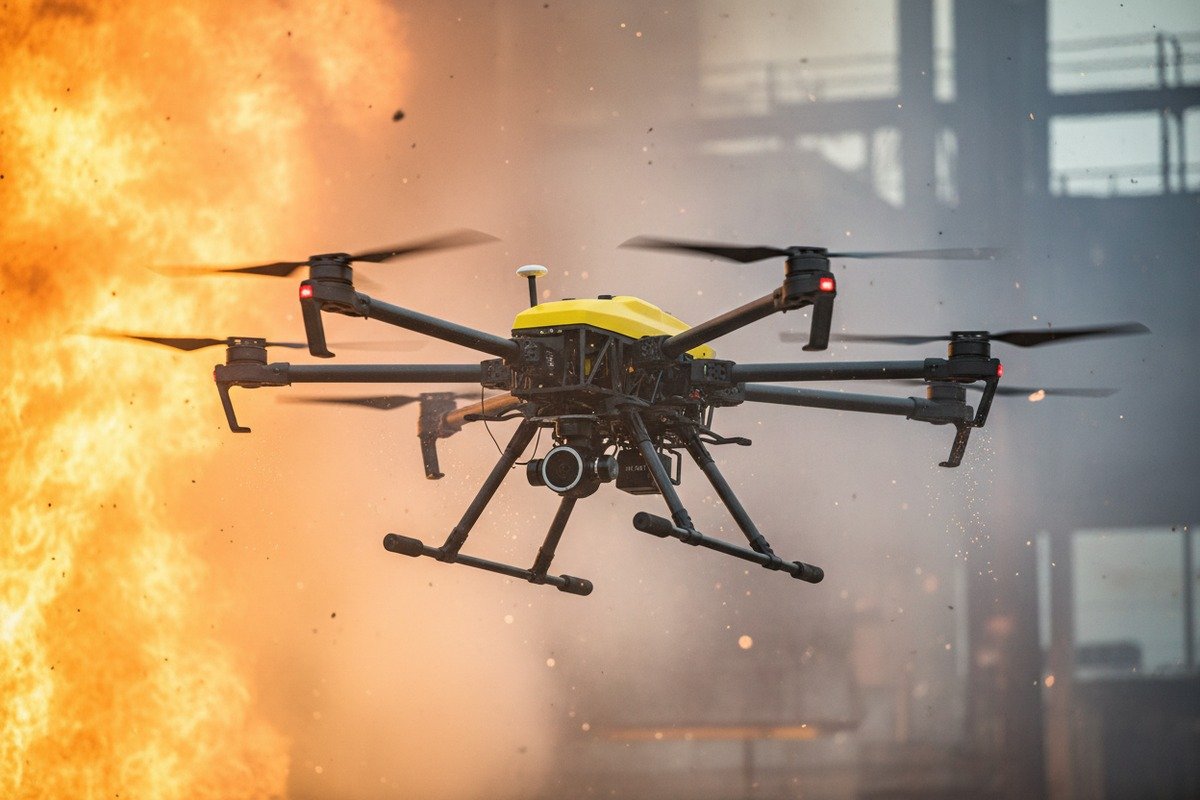
Temperature Effects on Display Technology
Different display technologies respond to heat differently. Understanding these responses helps you select appropriate equipment.
| Display Type | Maximum Operating Temp | Heat Response | Recovery |
|---|---|---|---|
| Standard LCD | 50°C | Image fade, slow response | Usually recovers |
| Industrial LCD | 70°C | Reduced contrast | Full recovery |
| Thermal-Stabilized LCD | 85°C | Minor brightness variation | Full recovery |
| OLED | 45°C | Permanent damage risk | May not recover |
| Transflective LCD | 80°C | Minimal degradation | Full recovery |
OLED displays offer excellent contrast but suffer permanent damage from heat exposure. We do not recommend them for firefighting applications despite their visual quality advantages.
Protective Glass Requirements
The display surface faces direct environmental exposure. Protective glass must resist impact, scratches, and thermal shock.
Chemically strengthened glass (like Gorilla Glass 8) provides impact resistance through surface compression. The compression layer must be thick enough to handle thermal expansion without cracking. Standard strengthened glass rated for consumer electronics often fails thermal shock tests.
For firefighting applications, specify:
- Minimum 0.7mm glass thickness
- Chemical strengthening depth of at least 40 micrometers
- Thermal shock resistance of at least 100°C differential
- Scratch resistance of 7+ on Mohs scale
Housing Material Selection
The housing protects internal electronics and provides structural mounting for ergonomic components. Material selection affects both durability and weight.
| Material | Weight | Heat Resistance | Impact Resistance | Cost |
|---|---|---|---|---|
| ABS Plastic | Low | Moderate (80°C) | Low | Low |
| PC/ABS Blend | Low | Good (100°C) | Moderate | Moderate |
| Glass-Filled Nylon | Moderate | Excellent (150°C) | High | Moderate |
| Magnesium Alloy | Moderate | Excellent (400°C) | Excellent | High |
| Carbon Fiber Composite | Low | Excellent (200°C) | Excellent | High |
Our high-end controllers use glass-filled nylon housings. This material provides excellent thermal stability without the cost of magnesium alloy or carbon fiber.
Ergonomic Component Stability
Grip materials and ergonomic features must maintain their shape and properties across temperature ranges. Rubber compounds that become hard in cold or soft in heat create dangerous control inconsistencies.
Silicone rubber maintains consistent properties from -40°C to +200°C. Standard TPU (thermoplastic polyurethane) becomes noticeably softer above 60°C. For firefighting applications, specify silicone-based grip materials despite their higher cost.
Control stick mechanisms also require temperature consideration. Potentiometer-based sticks can develop drift in extreme temperatures. Hall effect sensors provide more stable readings across temperature ranges and have no mechanical wear points.
Sealing and Environmental Protection
IP ratings 9 indicate protection against dust and water. For firefighting, IP55 represents the minimum acceptable standard.
| IP Rating | Dust Protection | Water Protection | Suitable For |
|---|---|---|---|
| IP54 | Protected from dust | Splash resistant | Light outdoor use |
| IP55 | Protected from dust | Low-pressure water jets | Firefighting minimum |
| IP65 | Dust tight | Low-pressure water jets | Heavy smoke/rain |
| IP67 | Dust tight | Immersion up to 1m | Extreme conditions |
Beyond the IP rating, verify that sealing materials can withstand operating temperatures. Standard rubber seals degrade above 80°C. Silicone or fluorocarbon seals maintain integrity at much higher temperatures.
Conclusion
The right ergonomic and screen specifications prevent equipment failures during critical firefighting operations. Focus on balanced controller weight, appropriate screen brightness for your environment, customization capabilities, and materials rated for extreme temperatures. These specifications directly impact operator performance and mission success.
Footnotes
1. Defines pilot fatigue and its impact on aviation safety. ↩︎
2. Replaced HTTP 502 error with a comprehensive Wikipedia article on repetitive strain injury, an authoritative source. ↩︎
3. Explains Shore A hardness and its relevance to material selection. ↩︎
4. Explains the importance of nits for screen visibility in direct sunlight. ↩︎
5. Defines contrast ratio and its impact on display quality and readability. ↩︎
6. Explains how anti-reflective coatings work to reduce glare and improve visibility. ↩︎
7. Explains how color accuracy, measured by Delta E, is crucial for correct thermal data interpretation. ↩︎
8. Provides an overview of Gorilla Glass technology and its durability. ↩︎
9. Replaced HTTP unknown error with the Wikipedia page for IP Code, providing a reliable and comprehensive explanation of IP ratings and standards. ↩︎

 English
  Español de México
  Deutsch
  Français
  Русский
  العربية
